
Client onboarding can make or break your agency's reputation. A smooth, professional onboarding process sets the tone for the entire client relationship, while a chaotic one leads to confusion, delays, and frustrated clients before you've even started delivering value.
The challenge? Most agencies handle onboarding manually, juggling spreadsheets, emails, and sticky notes while trying to maintain consistency across dozens of new clients each month. This approach doesn't scale, creates bottlenecks, and burns out your team.
That's where n8n automation transforms everything. By building the right workflow, you can deliver a world-class onboarding experience that runs on autopilot, reduces manual work by 80%, and ensures every client feels like your top priority from day one.
Why n8n is Perfect for Agency Onboarding
Unlike expensive proprietary platforms, n8n offers open-source flexibility that grows with your business. You're not locked into rigid templates or paying per-client fees that eat into your margins. Instead, you build exactly what your agency needs, integrate with any tool in your tech stack, and customize the experience for different service types.
The beauty of n8n lies in its visual workflow builder. You can see exactly how data flows from initial form submission through CRM updates, task creation, and team notifications. This transparency makes troubleshooting simple and gives you complete control over your onboarding process.
The Complete n8n Onboarding Workflow Architecture
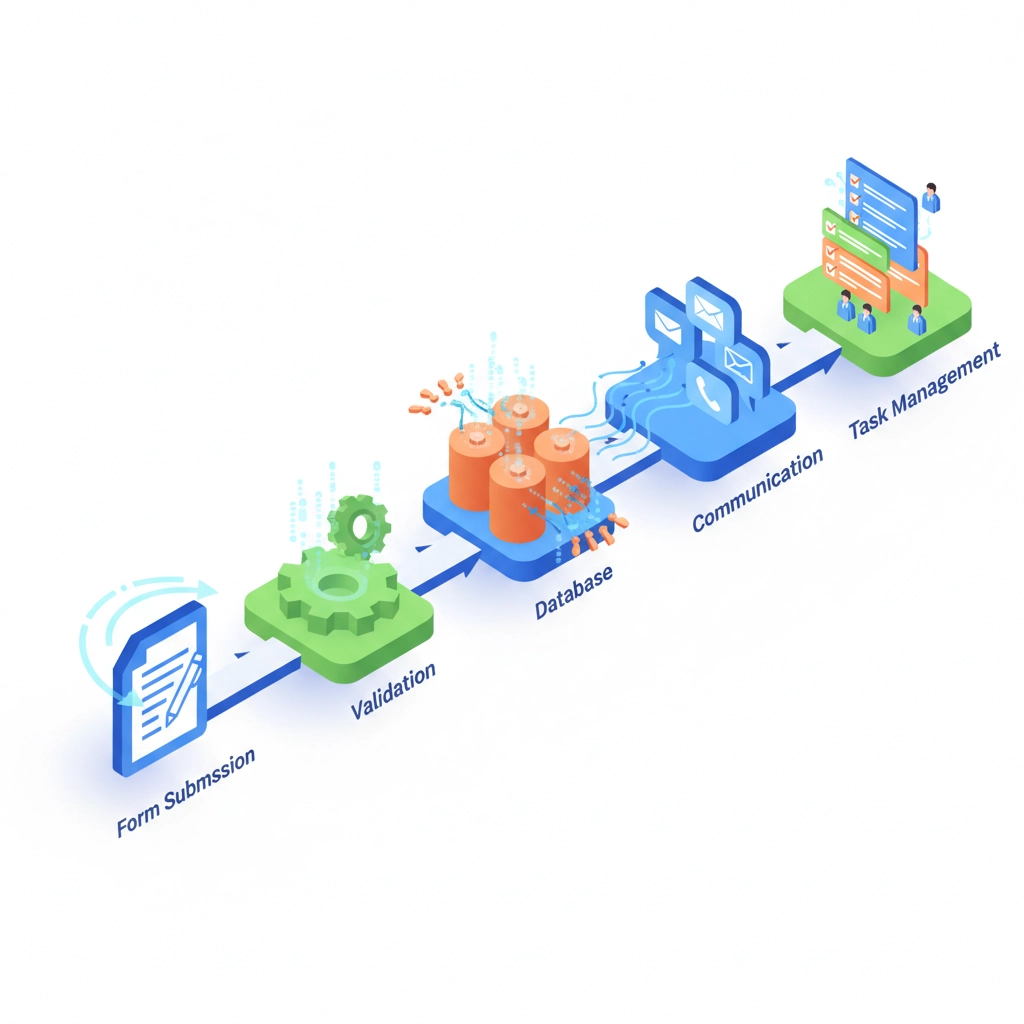
The most effective agency onboarding workflows follow a proven pattern: Trigger → Validate → Store → Communicate → Execute → Notify. This structure ensures consistency while allowing flexibility for different client types and service offerings.
Step 1: Intelligent Trigger Setup
Your workflow begins when a client submits an onboarding form via webhook. Whether you're using Typeform, Google Forms, or a custom form on your website, n8n instantly captures the submission and extracts key details like company name, contact information, services selected, project timeline, and budget range.
Pro tip: Include a "service type" dropdown in your form. This single field will power intelligent routing throughout your entire workflow, ensuring marketing clients receive different communications and task assignments than web development or consulting clients.
Step 2: Data Validation and Enrichment
Before storing anything, run the submitted data through validation checks. Ensure email addresses are properly formatted, required fields are complete, and phone numbers follow standard formats. A simple Set node can clean up inconsistencies like extra spaces or mixed capitalization.
For enterprise agencies, consider adding data enrichment through APIs like Clearbit or Hunter.io to automatically gather additional company information, social media profiles, and key personnel details. This intelligence helps your team prepare more effectively for kickoff calls.
Step 3: Multi-Platform Data Storage
Store the validated client data in multiple locations simultaneously. Update your CRM (HubSpot, Pipedrive, or Salesforce) to create the official client record, while also logging the information in Google Sheets or Airtable for easy team access and reporting.
This dual-storage approach provides redundancy and gives different team members access to client information in their preferred format. Your account managers can work from the CRM while your project coordinators reference the spreadsheet for quick updates.
Step 4: Personalized Welcome Communications
Generate personalized welcome emails that acknowledge the client's specific service selection and next steps. Rather than generic templates, use n8n's text functions or integrate GPT-4 to create tailored messages that reference their project details, timeline, and assigned team members.
For example, a client selecting "Social Media Management" receives an email mentioning their industry, competitor analysis timeline, and content calendar setup, while a "Web Development" client gets information about discovery sessions, wireframe reviews, and testing phases.
Step 5: Automated Workspace and Task Creation
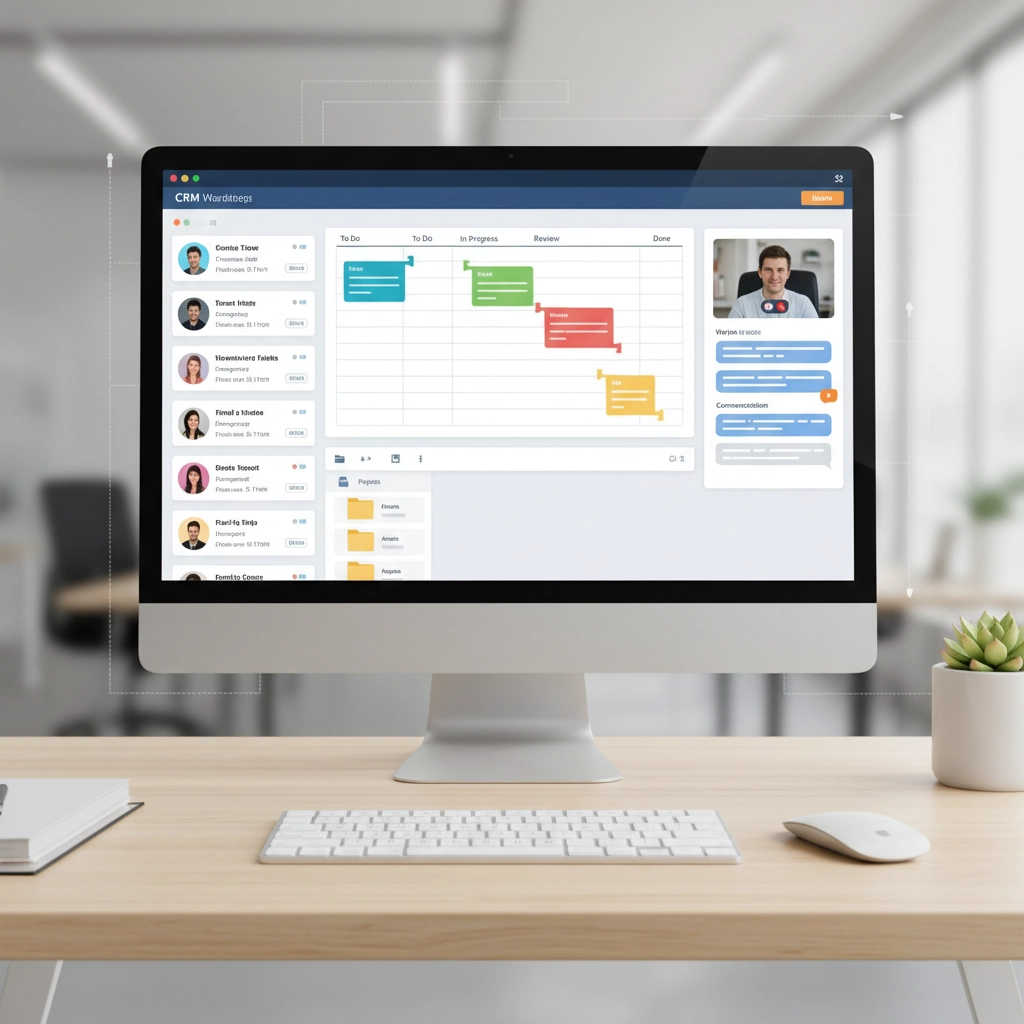
Simultaneously create the client's digital workspace across all your tools. Generate a structured Google Drive folder with subdirectories for contracts, assets, deliverables, and communication. Establish a dedicated Slack channel (or Microsoft Teams) for internal collaboration and client updates.
In your project management tool (ClickUp, Asana, or Monday.com), automatically create task templates based on the service type. A website project might generate tasks for "Conduct Discovery Call," "Create Wireframes," "Design Homepage," and "Set Up Analytics," each with appropriate due dates and team assignments.
Step 6: Intelligent Team Routing and Notifications
Send targeted Slack notifications to the appropriate team members based on service type and current workload. Your workflow can check team capacity and route new clients to available account managers or project leads automatically.
Include key client information in the notification: company size, budget range, special requirements, and timeline: so team members can prepare before their first interaction.
Essential Integration Stack for Maximum Impact
The most powerful onboarding workflows leverage these proven tool combinations:
Data Collection: Typeform or JotForm for professional intake forms with conditional logic and file upload capabilities.
CRM Integration: HubSpot offers robust API access and native task creation, while Pipedrive excels for smaller agencies focused on deal progression.
Project Management: ClickUp provides unlimited hierarchy and custom fields, perfect for complex agency workflows. Asana offers cleaner interfaces for teams preferring simplicity.
Communication: Gmail with templates for client-facing messages, plus Slack for internal coordination and real-time updates.
File Storage: Google Drive creates organized folder structures automatically, while Dropbox Business offers better large file handling for creative agencies.
AI Enhancement: OpenAI's GPT-4 generates custom onboarding checklists, welcome messages, and project timelines based on client requirements.
Real-World Results from Agency Automation
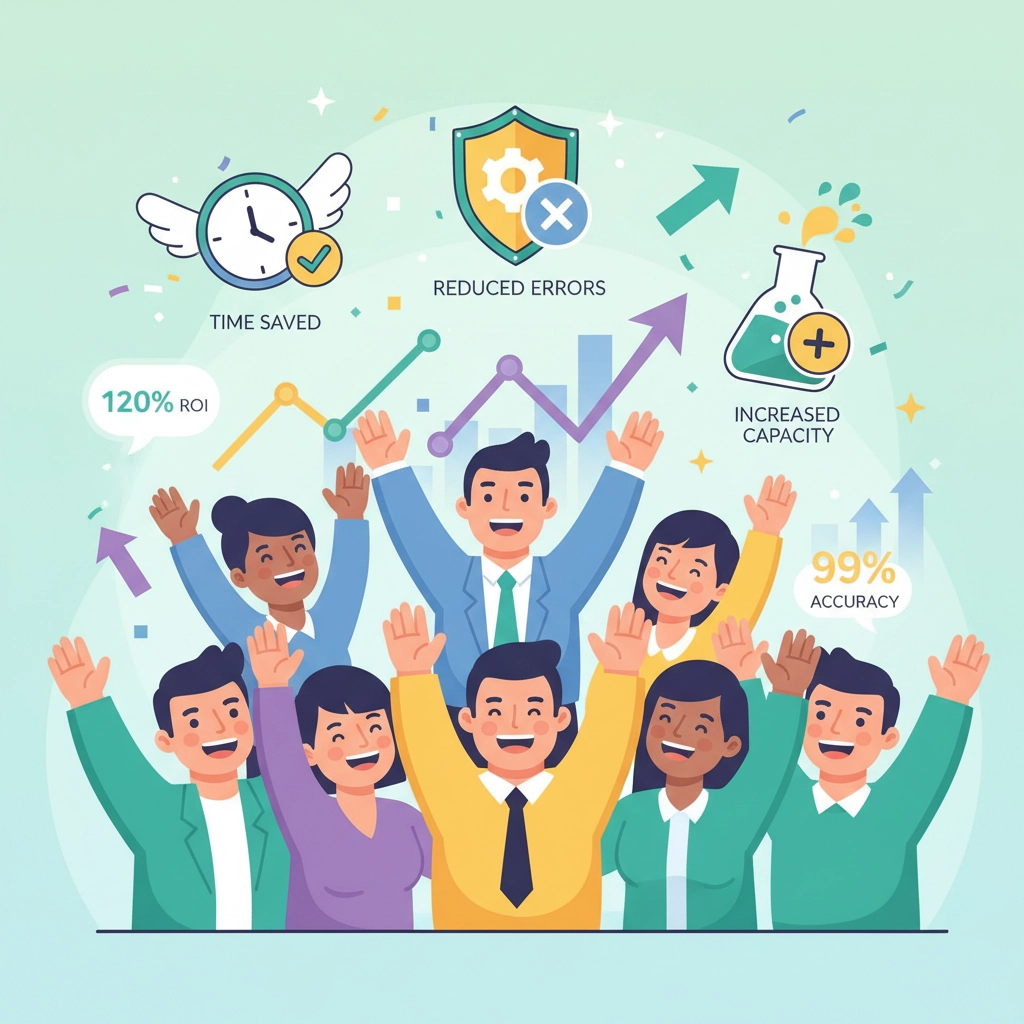
Agencies implementing comprehensive n8n onboarding workflows report transformative results:
- 60% faster onboarding: What previously took 2-3 days now completes in hours
- Zero missed steps: Automated checklists eliminate human error and forgotten tasks
- Improved client satisfaction: Consistent, professional experience from first contact
- Team capacity increase: Staff can handle 40% more clients without additional hiring
- Reduced administrative costs: Lower overhead allows competitive pricing while maintaining margins
One digital marketing agency saved 15 hours per week by automating their onboarding process, allowing them to take on 8 additional clients monthly without expanding their team.
Advanced Workflow Enhancements
Once your basic workflow is running smoothly, consider these power-user additions:
Conditional Contract Generation: Based on service selection and project scope, automatically generate custom contracts using Google Docs templates or PandaDoc integration.
Calendar Scheduling: Integrate Calendly or Acuity Scheduling to automatically book kickoff calls based on team availability and client preferences.
Invoice Automation: For retainer-based services, automatically generate and send initial invoices through QuickBooks or FreshBooks integration.
Progress Tracking: Set up automated check-in emails at project milestones, keeping clients informed without manual follow-up from your team.
Getting Started with Your Onboarding Workflow
Begin by mapping your current onboarding process on paper. Identify every step from initial contact through project kickoff, noting which tasks are repetitive and which require human decision-making. This analysis reveals the best automation opportunities.
Start with a simple workflow covering form submission, CRM updates, and welcome emails. Test thoroughly with internal team members before going live with real clients. Once you're confident in the basic flow, gradually add complexity like task creation, file management, and team notifications.
Remember that n8n workflows are living systems. Monitor performance, gather team feedback, and continuously refine your automation. What works for 10 clients monthly might need adjustment when you're handling 50.

Transform Your Agency's Onboarding Today
Client onboarding automation isn't just about efficiency: it's about creating exceptional client experiences that set your agency apart from competitors still managing everything manually. With n8n, you can deliver enterprise-level onboarding regardless of your agency's size.
Ready to revolutionize your client onboarding process? Virtual Nexgen Solutions specializes in building custom automation workflows that transform agency operations. Our team has implemented n8n solutions for agencies across marketing, consulting, and creative services, typically reducing onboarding time by 60% while improving client satisfaction scores.
Schedule a free 30-minute consultation to discuss how automated onboarding can accelerate your agency's growth. We'll review your current process, identify automation opportunities, and provide a custom roadmap for implementation.
Don't let manual onboarding limit your agency's potential. The tools exist today to create seamless, scalable client experiences that impress from the first interaction. Your competitors are already exploring automation: make sure you're leading the charge, not playing catch-up.
Visit Virtual Nexgen Solutions to learn more about our automation services and see how we're helping agencies across the United States streamline their operations for sustainable growth.

