
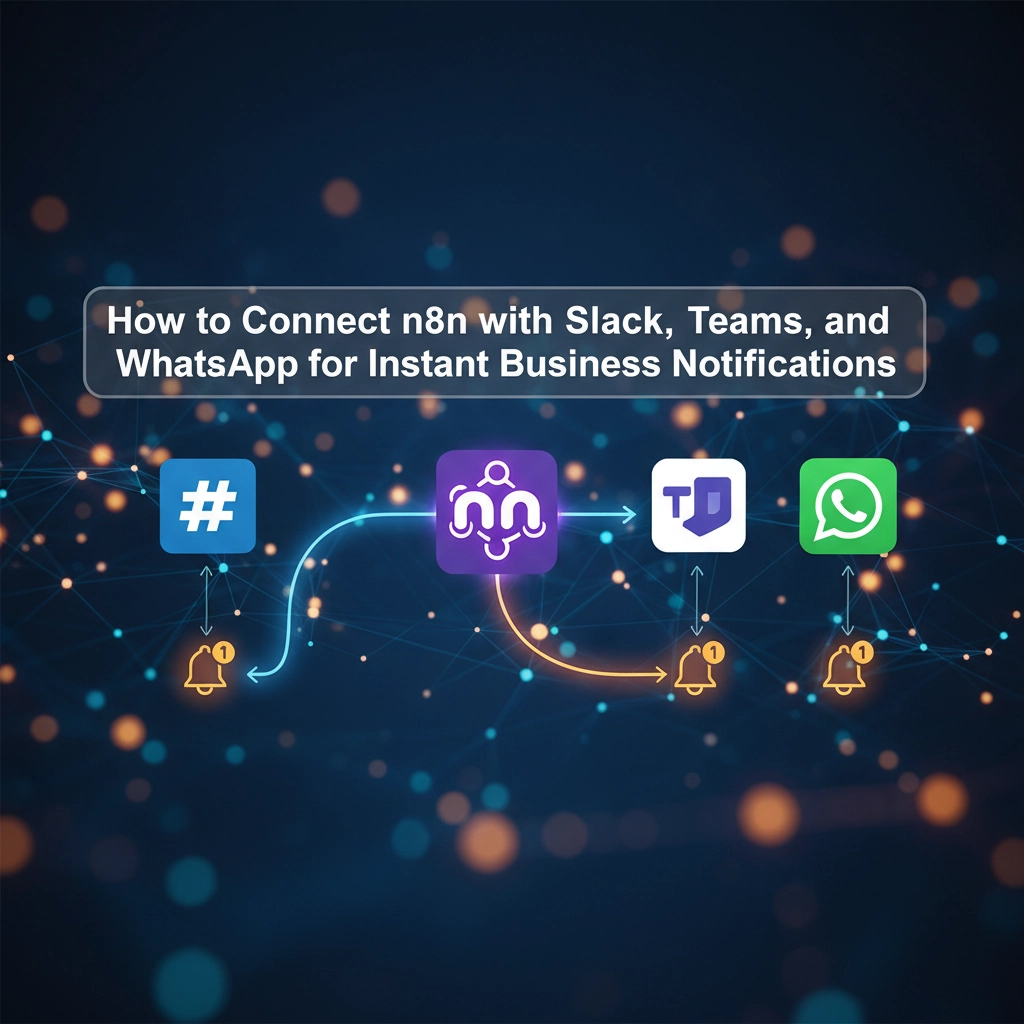
In today's fast-paced business environment, staying connected across multiple communication platforms isn't just convenient: it's essential. Whether your team uses Slack for internal collaboration, Microsoft Teams for project management, or WhatsApp for customer support, managing notifications across these platforms can quickly become overwhelming.
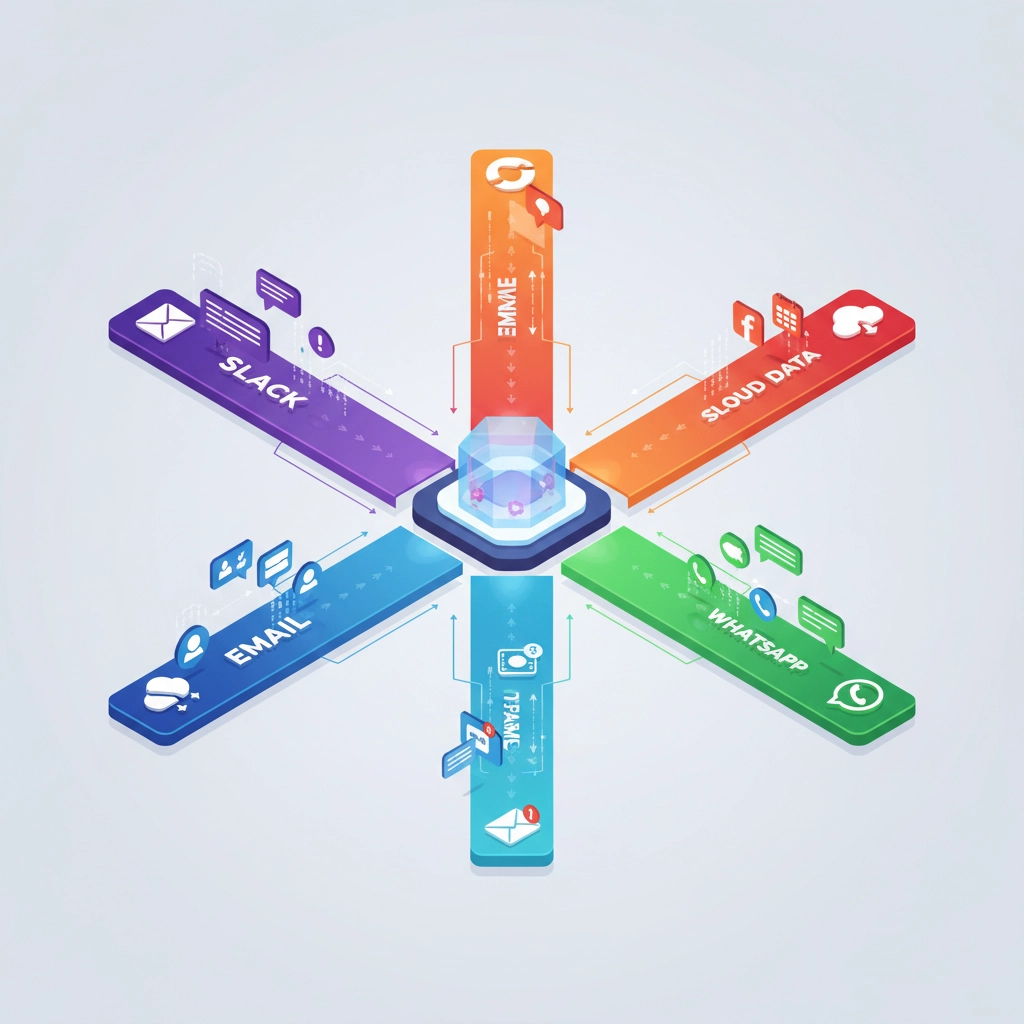
Enter n8n, the powerful workflow automation platform that bridges the gap between your favorite communication tools. By connecting n8n with Slack, Teams, and WhatsApp, you can create seamless notification workflows that ensure critical messages never fall through the cracks.
Why Multi-Platform Integration Matters for Your Business
Before diving into the technical setup, let's understand why this integration is a game-changer for operations, support, and marketing teams:
- Unified Communication Hub: Route messages intelligently based on urgency, department, or content type
- Reduced Response Times: Automatically forward urgent WhatsApp customer queries to your Slack support channel
- Enhanced Team Collaboration: Share important updates across platforms without manual copy-pasting
- Improved Customer Experience: Ensure faster response times through automated routing and alerts
Setting Up WhatsApp Business API with n8n
Getting Started with Meta's WhatsApp Business API
The first step requires obtaining official API credentials from Meta for Developers. This process ensures you're using the legitimate WhatsApp Business API rather than unofficial alternatives that could compromise security or reliability.
-
Create a Meta for Developers Account: Log in with your Facebook credentials and create a new application, selecting "Business" as the application type.
-
Configure Your Business Manager: Navigate to the setup section and associate a verified Meta Business Manager account with your application.
-
Add Your Phone Number: Register a phone number that isn't already linked to WhatsApp. This will become your business WhatsApp number for API communications.
-
Collect Your Credentials: Once setup is complete, you'll receive three essential pieces of information:
- Phone Number ID
- WhatsApp Business Account ID
- Permanent Access Token
Connecting WhatsApp to Your n8n Workflow
In your n8n instance, create a new workflow and add either an HTTP Request Node or a dedicated WhatsApp node. Configure the node with your API URL, access token, and phone number ID. Define your message payload (text, images, or interactive buttons) and test the workflow to ensure messages are sent successfully.
For two-way communication, set up a webhook trigger in n8n. This allows incoming WhatsApp messages to automatically trigger workflows. Copy the webhook URL from your n8n webhook trigger node, then add it to Meta's WhatsApp webhook settings. Select the events you want to monitor, such as incoming messages or delivery confirmations.

Integrating Slack for Team Notifications
Slack Authentication and Setup
Adding Slack to your n8n workflows is straightforward. Start by adding a Slack node to your workflow and authenticate using your Slack workspace credentials. The authentication method varies slightly depending on whether you're using n8n Cloud or a self-hosted deployment.
Building Your First Slack Automation
Create a trigger node (webhook, schedule, or incoming event), add processing logic to handle your data, then include a Slack "Send" node to deliver messages to specific channels or direct messages. You can send simple text messages, rich formatting with mentions and emojis, or even interactive elements.
Common Slack integration patterns include:
- Alert Routing: Send high-priority notifications to specific channels based on content or urgency
- Team Updates: Automatically post project status updates or milestone achievements
- Customer Support: Forward customer queries from other platforms directly to your support team's Slack channel
Connecting Microsoft Teams for Enterprise Communication
Teams Integration Setup
Microsoft Teams integration follows a similar pattern to Slack. Add a Microsoft Teams node to your n8n workflow and authenticate through n8n's credential system. This grants n8n permission to send messages and interact with your Teams workspace programmatically.
Creating Effective Teams Workflows
Once authenticated, you can configure Teams nodes to send notifications to specific channels, post rich cards with actionable buttons, or even create automated meeting reminders. Teams integration is particularly powerful for enterprise environments where formal documentation and approval workflows are essential.
Building Multi-Platform Notification Workflows
The real magic happens when you combine all three platforms in sophisticated automation workflows. Here's how to create powerful cross-platform automations:
Example Workflow: Customer Support Escalation
- Trigger: Customer sends urgent WhatsApp message containing keywords like "emergency" or "urgent"
- Processing: n8n analyzes the message content and customer history
- Multi-step Actions:
- Send immediate acknowledgment to customer via WhatsApp
- Create high-priority ticket in your CRM system
- Alert support team via Slack with customer details
- Notify manager via Teams if the issue involves enterprise clients
- Schedule follow-up reminder for quality assurance
Lead Management Automation
Transform how your marketing and sales teams handle incoming leads:
- Trigger: New lead inquiry via WhatsApp Business
- Data Processing: Extract contact information and inquiry details
- Automated Actions:
- Add lead to CRM with proper tagging
- Send personalized follow-up message via WhatsApp
- Notify sales team via Slack with lead scoring
- Create meeting invitation in Teams calendar for qualified leads
Advanced Use Cases and Best Practices
Centralized WhatsApp Management
One particularly effective implementation involves creating a bidirectional communication bridge between WhatsApp and Slack. This allows your entire team to manage customer WhatsApp conversations directly from Slack, improving response times and collaboration.
The workflow automatically forwards incoming WhatsApp messages (including text, media, and documents) to dedicated Slack channels, while enabling team members to respond through Slack with messages automatically sent via WhatsApp.
Priority-Based Routing
Implement intelligent routing based on message content, customer tier, or time sensitivity:
- VIP Customer Messages: Instantly route to dedicated support channels across all platforms
- After-Hours Support: Automatically escalate to on-call team members via their preferred communication platform
- Department-Specific Queries: Route billing questions to finance team, technical issues to support, etc.
Automated Translation and Localization
For businesses serving global markets, combine these integrations with AI translation services to automatically translate messages between languages, ensuring seamless communication regardless of language barriers.
Measuring Success and Optimization
Track key metrics to optimize your notification workflows:
- Response Time Improvement: Measure how automation reduces average response times
- Team Productivity: Monitor how unified notifications affect team efficiency
- Customer Satisfaction: Track feedback related to communication speed and quality
- Message Volume Distribution: Analyze which platforms handle different types of communications most effectively
Getting Professional Setup and Support
While setting up these integrations is technically feasible for most businesses, the complexity of creating robust, secure, and scalable workflows often requires professional expertise. Improper configuration can lead to message loops, security vulnerabilities, or missed critical communications.
At Virtual Nexgen Solutions, we specialize in implementing sophisticated automation workflows that connect your communication platforms seamlessly. Our team handles the technical complexity while ensuring your workflows are secure, scalable, and aligned with your business processes.
Whether you need a simple notification system or complex multi-platform automation, our Marketing Virtual Assistants can design and implement the perfect solution for your business needs.
Ready to Transform Your Business Communications?
Stop juggling multiple platforms and start leveraging the power of unified automation. With properly configured n8n workflows connecting Slack, Teams, and WhatsApp, you'll improve response times, enhance team collaboration, and provide better customer experiences.
Don't let technical complexity hold you back from achieving communication excellence. Book a free 30-minute consultation with our automation experts to discuss your specific needs and learn how Virtual Nexgen Solutions can implement these powerful integrations for your business.
Schedule Your Free Consultation Now and discover how workflow automation can revolutionize your business communications.

