
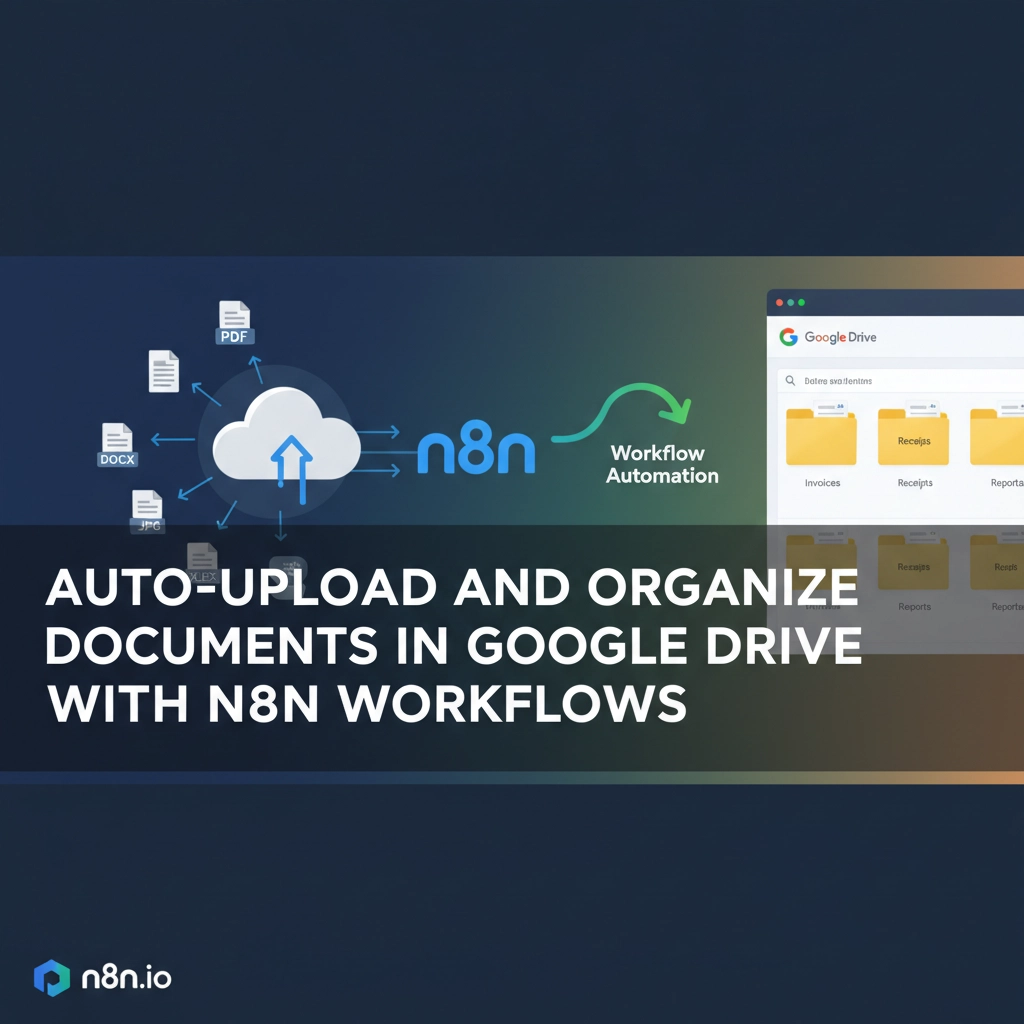
Managing documents manually is like trying to organize a hurricane with a paper fan. If your team spends hours uploading files, creating folders, and hunting down misplaced documents, you're not alone. The average office worker wastes 2.5 hours daily searching for information, and document chaos is often the culprit.
Enter n8n workflow automation: your secret weapon for transforming Google Drive into a self-organizing digital filing cabinet. With the right setup, you can automatically upload, categorize, and organize documents without lifting a finger.
Why Document Automation Matters for Your Business
Manual document management isn't just inefficient: it's expensive. Every minute your team spends on repetitive file tasks costs money and reduces productivity. Small and medium businesses lose an estimated $12,000 per employee annually due to poor document management practices.
Automated workflows solve multiple pain points simultaneously:
- Consistency: Files always land in the correct folders with proper naming conventions
- Speed: Documents process instantly without human intervention
- Compliance: Automatic organization ensures nothing gets lost in regulatory audits
- Scalability: Handle growing document volumes without adding staff
- Security: Automated permissions and sharing reduce human error
The beauty of n8n lies in its visual workflow builder: no coding required. You can create sophisticated document automation that rivals enterprise solutions at a fraction of the cost.
Setting Up Your n8n and Google Drive Connection
Before building workflows, you need to establish a secure connection between n8n and Google Drive. This one-time setup unlocks unlimited automation possibilities.
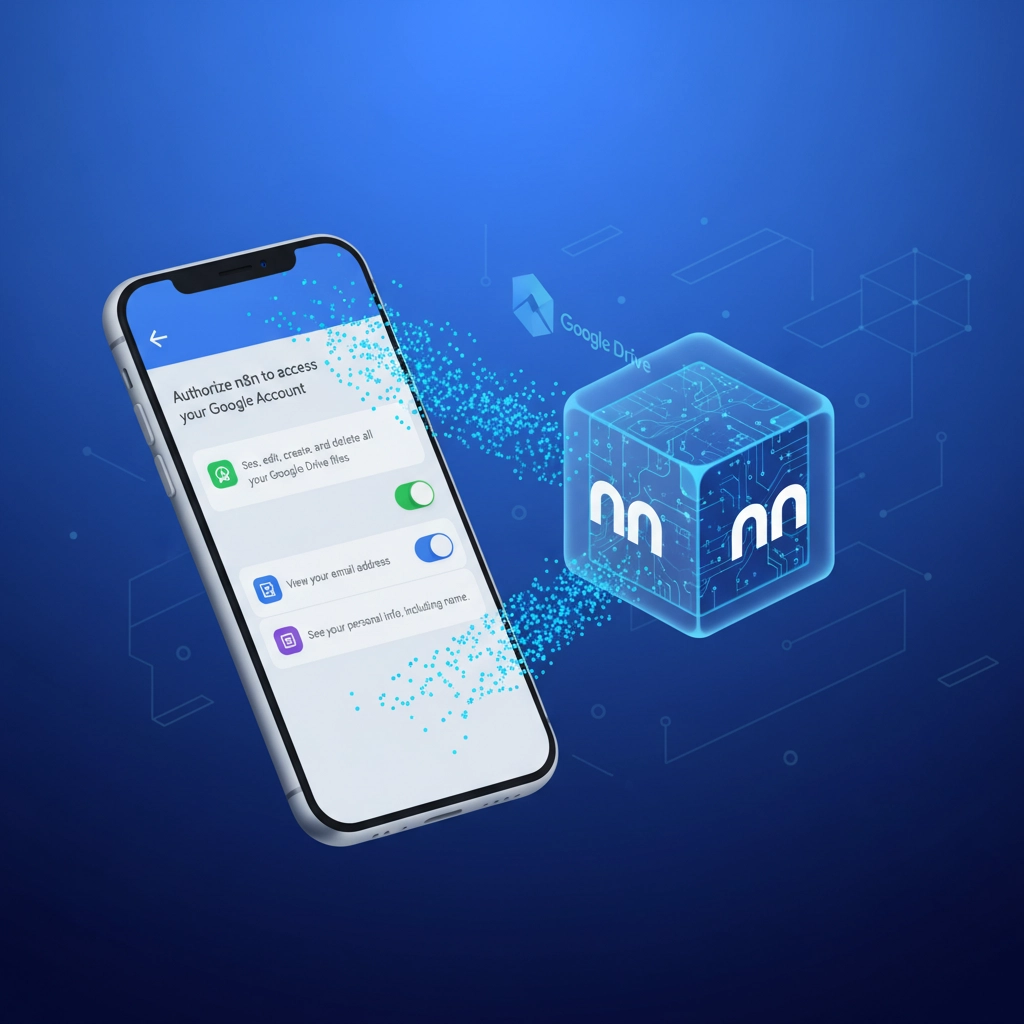
Start by creating a Google Cloud Platform account if you don't have one. Navigate to the Google Cloud Console and enable the Google Drive API through the APIs & Services library. This gives n8n permission to interact with your Google Drive.
Next, configure the OAuth consent screen. Set the audience to "External" and fill in your app information. This creates the authorization framework that allows n8n to access your Drive securely.
Create OAuth client credentials of type "Web Application" in the Google Cloud Console. You'll receive a Client ID and Client Secret: save these securely as you'll need them in n8n.
In your n8n instance, add a Google Drive node to your workflow. Enter the Client ID and Client Secret from Google Cloud, then complete the OAuth flow by signing in with your Google account. Once connected, n8n can perform any Google Drive operation your account has permission for.
Building Your First Auto-Upload Workflow
Let's create a practical workflow that automatically uploads and organizes invoices from email attachments. This common scenario demonstrates the power of document automation.
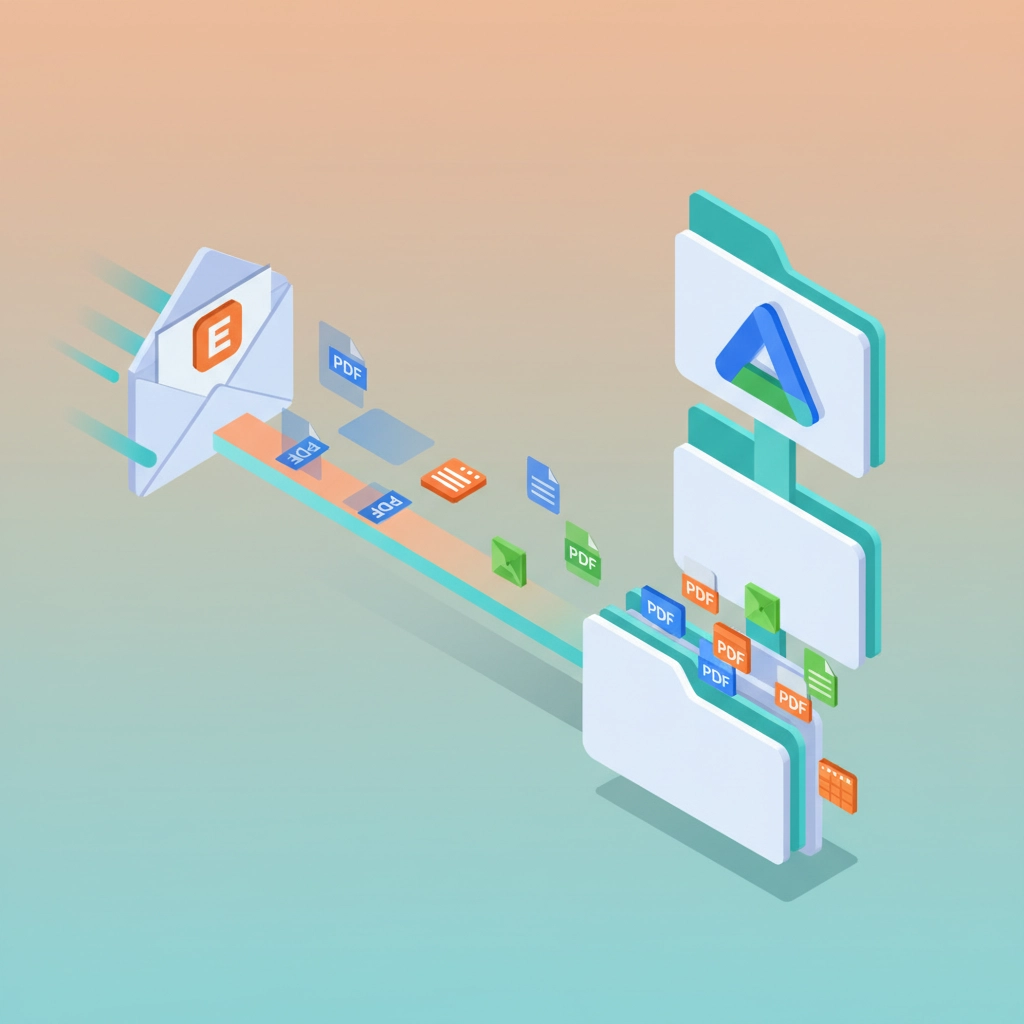
Start with an Email trigger node configured to monitor your accounts receivable inbox. When emails arrive with PDF attachments, the workflow activates automatically.
Add a Filter node to process only emails containing invoice-related keywords in the subject line. This prevents the workflow from processing irrelevant attachments.
Connect a Google Drive node set to "Upload" operation. Configure it to save attachments to a specific folder like "/Finance/Invoices/2024". The workflow can automatically extract the date from the email to create year-month subfolders.
For advanced organization, add a File Rename node that standardizes filenames using data from the email. For example: "Invoice_[Sender][Date][Amount].pdf" creates consistent, searchable filenames.
This basic workflow eliminates manual invoice processing while ensuring perfect organization every time.
Advanced Document Organization Strategies
Once you've mastered basic uploads, expand into sophisticated organization patterns that adapt to your business needs.
Dynamic Folder Creation: Build workflows that automatically create new folders based on document content. A contract management workflow might create folders for each client, then subfolders for contract types, renewal dates, and approval stages.
Content-Based Routing: Use n8n's data processing capabilities to analyze document content and route files accordingly. Integration with AI services can extract key information from PDFs and automatically categorize them.
Conditional Organization: Create branching logic that handles different document types with unique rules. Marketing materials might go to brand-specific folders, while financial documents follow compliance-based organization structures.

Automated Sharing and Permissions: Set up workflows that automatically share documents with relevant team members based on content, sender, or document type. New employee contracts can automatically share with HR and the hiring manager with appropriate permission levels.
Real-World Workflow Examples
Here are three battle-tested workflows that deliver immediate value:
Customer Document Portal: When clients upload documents through your website form, n8n automatically creates a dedicated client folder, uploads the files, and sends confirmation emails with access links. The workflow also creates tasks in your project management system for document review.
Expense Report Automation: Employees email receipts to a dedicated address. N8n extracts expense data using OCR integration, uploads receipts to employee-specific folders organized by month, and creates expense entries in your accounting system.
Contract Lifecycle Management: Legal documents get uploaded to status-based folders (Draft, Under Review, Approved, Executed). The workflow monitors contract dates and automatically moves documents between folders based on approval stages while notifying relevant stakeholders.
Integration with Other Business Systems
The true power of n8n document automation emerges when you connect Google Drive to your existing business ecosystem.
CRM Integration: Automatically save customer communications and documents to dedicated Drive folders linked to CRM records. When prospects become clients, the workflow moves their entire document history to the customer folder structure.
Accounting System Sync: Upload receipts and invoices to Drive while simultaneously creating accounting entries in QuickBooks or similar software. This maintains both digital archives and financial records without duplicate data entry.
Project Management Connection: Link document uploads to project milestones in tools like Asana or Monday.com. When deliverables are uploaded to Drive, the workflow automatically updates project status and notifies team members.
Security and Compliance Best Practices
Automated document management requires careful attention to security and regulatory compliance.
Implement permission-based folder structures that automatically apply appropriate access controls. Finance documents should only be accessible to accounting staff, while general company materials can have broader visibility.
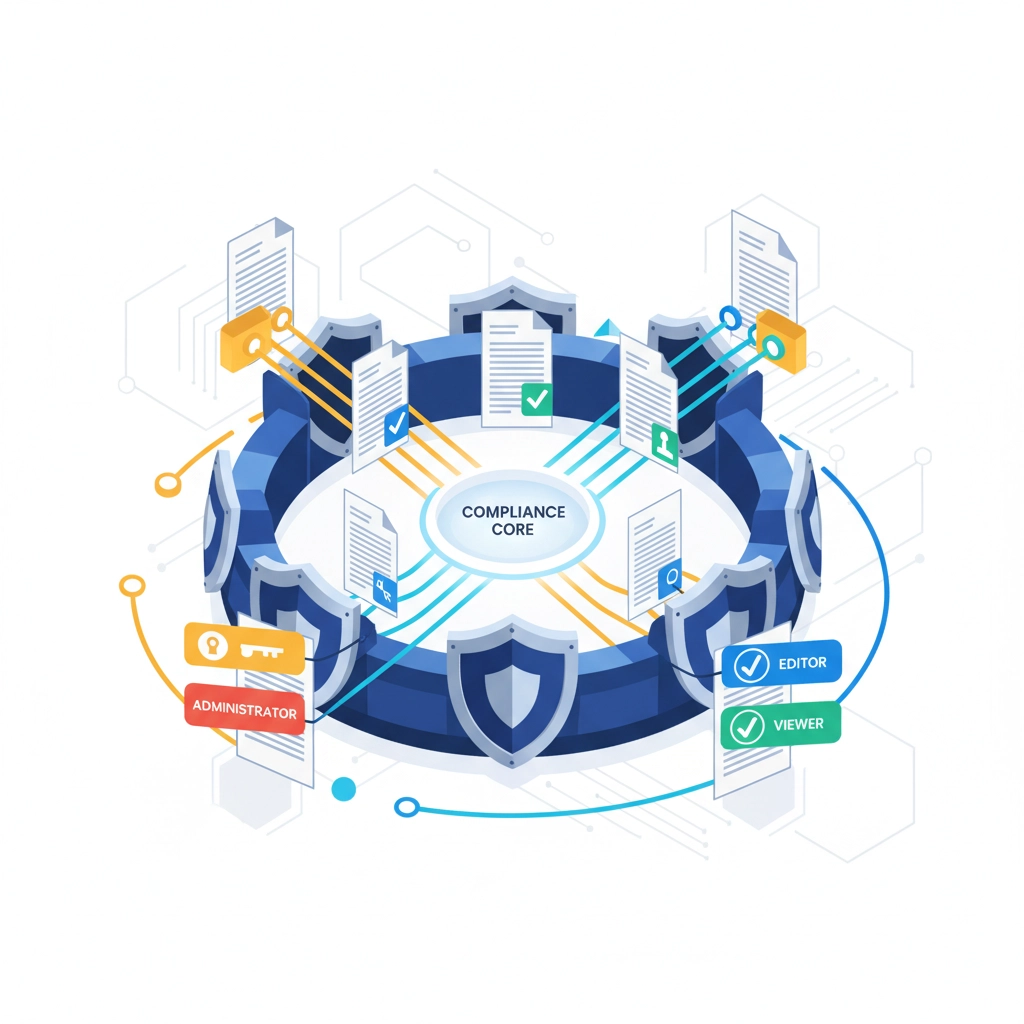
Create audit trails by logging all document activities. N8n can automatically record who uploaded what, when modifications occurred, and who accessed sensitive files. This documentation proves invaluable during compliance reviews.
Establish retention policies through automated workflows that move old documents to archive folders or delete them entirely based on regulatory requirements. Healthcare practices might automatically archive patient records after seven years, while financial firms follow different timeline requirements.
Monitoring and Optimization
Set up monitoring workflows that ensure your document automation continues running smoothly. Create alerts for failed uploads, storage quota warnings, and unusual activity patterns.
Use n8n's built-in analytics to track workflow performance and identify optimization opportunities. If certain document types consistently cause processing delays, you can refine the logic or add additional processing power.
Regular maintenance workflows can clean up duplicate files, standardize legacy naming conventions, and optimize folder structures as your business evolves.
Transform Your Document Management Today
Document automation with n8n and Google Drive isn't just about saving time: it's about creating a competitive advantage through operational excellence. While your competitors struggle with manual processes, your team focuses on high-value activities that drive growth.
At Virtual Nexgen Solutions, we've helped hundreds of businesses implement sophisticated document automation that scales with their growth. Our AI-powered virtual assistants can design, implement, and maintain n8n workflows tailored to your specific business processes.
Ready to eliminate document chaos and boost productivity? Let's discuss how automated workflows can transform your operations. Schedule a free 30-minute consultation to explore custom automation solutions for your business.
Don't let manual document management hold your business back. The future of efficient operations starts with smart automation: and it's more accessible than you think.

