
Every week, another small business jumps on the AI automation bandwagon, hoping to slash costs and boost productivity. Yet here's the sobering reality: 60-70% of AI projects fail or underperform. That's not because AI doesn't work: it's because businesses keep making the same avoidable mistakes.
If you're a small business owner or manager considering AI automation (or struggling with current implementations), this guide will save you time, money, and frustration. Let's dive into the five biggest AI automation mistakes that are costing businesses thousands: and the practical fixes that actually work.
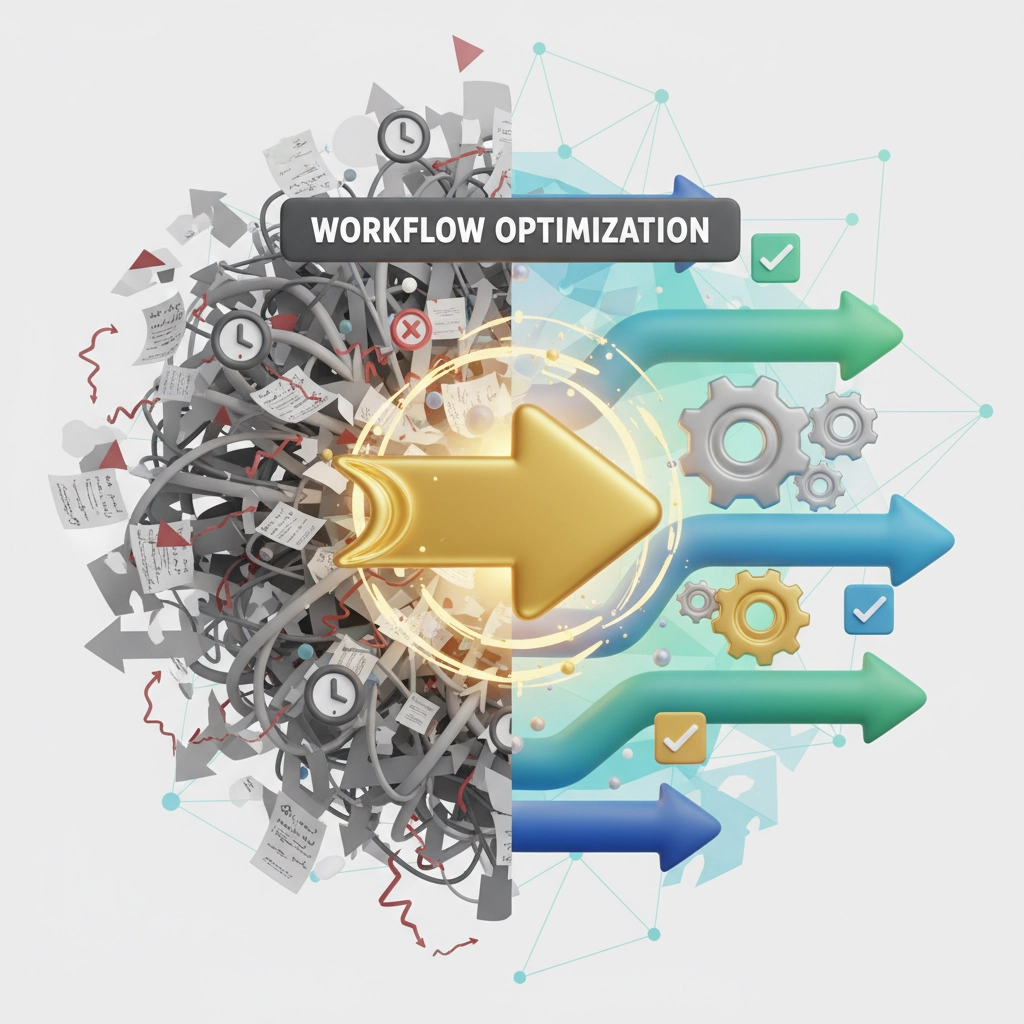
Mistake #1: Automating Broken Processes
The Problem
Picture this: Your customer onboarding process takes 12 steps, involves four different departments, and still has a 30% error rate. So you decide to automate it. Congratulations: you now have a faster broken process.
This is the #1 mistake we see at Virtual Nexgen Solutions. Business owners rush to automate without first optimizing their workflows. The result? You've just amplified every inefficiency in your system.
A retail client came to us after their "automated" inventory approval system created even bigger bottlenecks than before. They were losing $15,000 monthly because the AI was processing flawed approval workflows at lightning speed: but still getting stuck at the same manual checkpoints.
The Fix
Before automating anything, map out your current process step by step. Ask yourself:
- Which steps add real value?
- Where do bottlenecks typically occur?
- What manual reviews are actually necessary?
- Which decision points can be standardized?
Use process mapping tools like Lucidchart or even simple flowcharts to visualize your workflow. Remove redundant steps, clarify decision criteria, and streamline handoffs between departments.
Pro tip: Start with your most painful, repetitive processes: but only after you've optimized them manually first.
Mistake #2: Removing Humans from the Equation
The Problem
AI is powerful, but it's not magic. We regularly see businesses implement "fully automated" systems that make critical errors because there's no human oversight.
One accounting firm automated their entire invoice processing system without any human checkpoints. Within three months, they had overpaid suppliers by $22,000 due to duplicate invoices that the AI couldn't catch.
The issue isn't that AI makes mistakes: it's that AI makes mistakes consistently and at scale. Without human oversight, small errors become big problems fast.
The Fix
Design your automation with strategic human touchpoints. This doesn't mean reviewing every single transaction, but rather:
- Exception handling: Have humans review transactions that fall outside normal parameters
- Quality checkpoints: Implement random sampling reviews (10-20% of automated outputs)
- Final approval gates: Keep humans in the loop for high-value or high-risk decisions
- Escalation protocols: Train your AI to flag unusual situations for human review
Think of AI as your super-efficient assistant, not your replacement. Our virtual assistants work alongside AI tools to provide the perfect balance of automation and human judgment.
Mistake #3: Ignoring Data Quality and Integration
The Problem
AI automation is only as good as the data feeding it. Poor data quality is like trying to cook a gourmet meal with rotten ingredients: no matter how good your recipe (automation), the result will be garbage.
We recently worked with a logistics company whose "automated" shipping system was constantly making errors. The culprit? Customer data was stored in three different formats across five systems. Addresses in the CRM didn't match addresses in the shipping system, leading to failed deliveries and angry customers.
The Fix
Before implementing any AI automation, audit your data ecosystem:
- Data consistency: Ensure customer information, product codes, and transaction details use the same formats across all systems
- Integration planning: Use tools like Zapier or Microsoft Power Automate to connect disparate systems
- Data cleansing: Remove duplicates, standardize formats, and fill in missing information
- Regular maintenance: Schedule monthly data quality reviews to catch issues early

Quick wins: Start by standardizing your customer database. Consistent contact information, addresses, and purchase history will immediately improve any automation you implement.
Mistake #4: Setting Vague Goals and Success Metrics
The Problem
"We want to automate to save money and time." Sound familiar? This vague approach is setting you up for failure before you even start.
A consulting firm spent $30,000 on marketing automation software without defining what success looked like. Six months later, they couldn't tell if the investment was worth it because they had no baseline metrics or clear objectives.
Without specific goals, you can't measure ROI, optimize performance, or prove the value of your automation investment.
The Fix
Before automating any process, define SMART goals (Specific, Measurable, Achievable, Relevant, Time-bound):
Instead of: "Reduce administrative work"
Try: "Reduce invoice processing time from 4 hours to 30 minutes per batch, with 95% accuracy, within 3 months"
Key metrics to track:
- Time savings (hours per week/month)
- Cost reduction (dollar amount)
- Error reduction (percentage decrease)
- Customer satisfaction scores
- Employee productivity gains
Set up dashboards to monitor these metrics weekly. This lets you quickly identify what's working and what needs adjustment.
Mistake #5: Skipping Employee Training and Change Management
The Problem
You've spent months planning your automation strategy, but you've forgotten the most important element: your team.
We see this constantly: businesses implement sophisticated AI systems, then wonder why adoption is low and results are disappointing. The truth is, even the best automation fails without proper employee buy-in and training.
A medical practice automated their appointment scheduling but never trained the front desk staff on the new system. Result? They ran both old and new systems simultaneously for eight months, doubling their workload instead of reducing it.
The Fix
Successful automation requires a structured change management approach:
Before implementation:
- Communicate the "why" behind automation (benefits for both business and employees)
- Address concerns and fears honestly
- Involve key team members in the planning process
During rollout:
- Provide hands-on training sessions
- Create simple reference guides and video tutorials
- Start with pilot programs to build confidence
- Celebrate early wins publicly
After implementation:
- Schedule regular check-ins to address issues
- Continuously gather feedback and make improvements
- Recognize employees who embrace the new systems

Pro tip: Position automation as a way to eliminate boring, repetitive tasks so employees can focus on more strategic, fulfilling work. This messaging gets much better buy-in than "AI will make you more efficient."
The Path Forward: Getting AI Automation Right
AI automation isn't going anywhere: in fact, it's becoming essential for small businesses to stay competitive. The companies thriving in 2025 are those that implement automation thoughtfully, with proper planning and realistic expectations.
At Virtual Nexgen Solutions, we've helped hundreds of businesses avoid these common pitfalls. Whether you need bookkeeping virtual assistants to handle your financial processes or marketing virtual assistants to manage your campaigns, we combine human expertise with AI tools to deliver results that actually matter.
Don't let these preventable mistakes derail your automation journey. Take the time to plan properly, start small, and scale gradually. Your future self (and your bottom line) will thank you.
Ready to implement AI automation the right way? Our team specializes in helping small businesses navigate the complexities of AI integration while avoiding costly mistakes. Book a free 30-minute consultation to discuss your specific needs and get a customized automation roadmap that actually works.

