
In today's competitive business landscape, manual lead generation is not just time-consuming: it's a roadblock to growth. Smart businesses are turning to AI-powered automation to automate your business with AI and scale their lead generation efforts exponentially. Enter n8n: a powerful, open-source workflow automation platform that's revolutionizing how companies discover, qualify, and nurture prospects.
Unlike expensive SaaS tools that cost thousands monthly, n8n allows you to build sophisticated lead generation machines that work 24/7, collecting hundreds of qualified leads while you focus on closing deals. This comprehensive guide will walk you through creating your own AI Sales Assistant using n8n workflows.
What Makes n8n Perfect for Lead Generation?
n8n stands out because it's completely customizable and integrates with virtually any platform: from Google Maps and LinkedIn to your CRM and email marketing tools. Instead of being locked into rigid software limitations, you can design workflows that match your exact business needs.
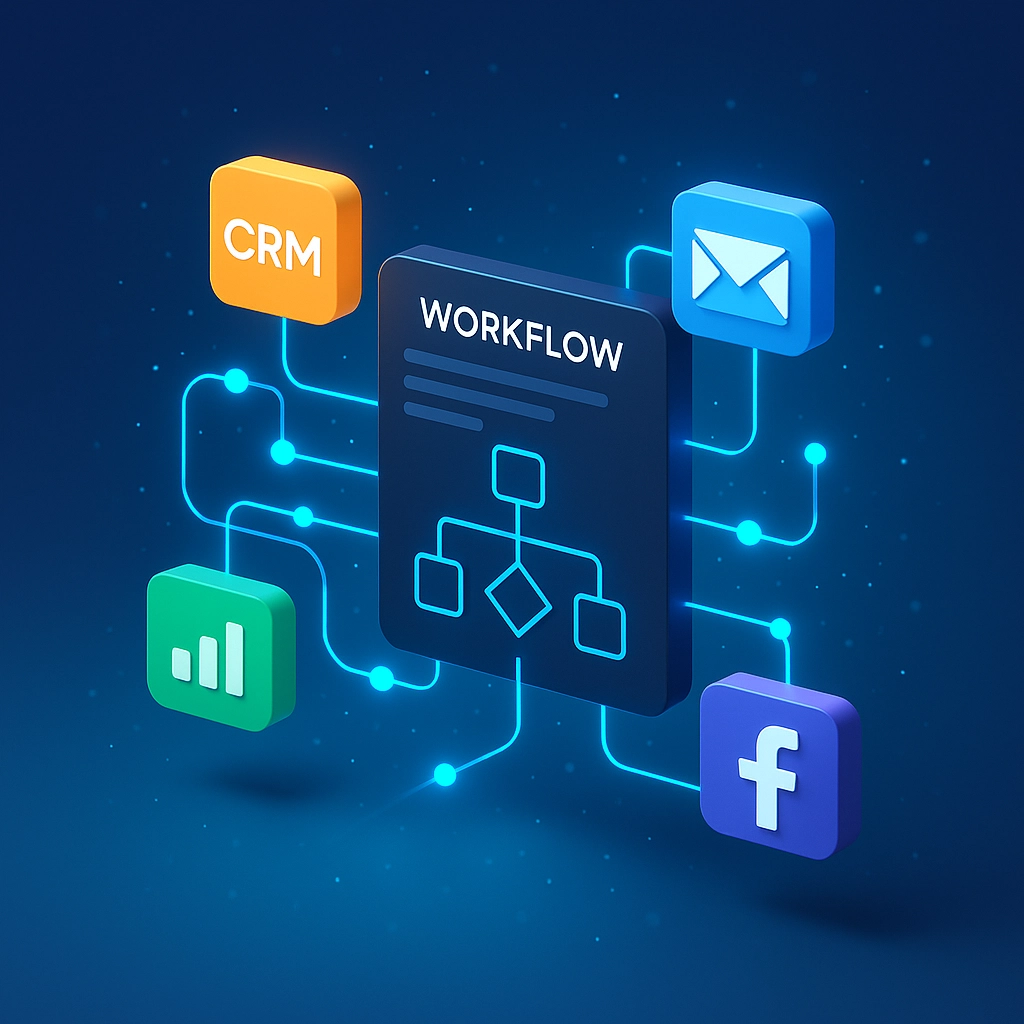
The platform excels at connecting different services through a visual, node-based interface. Think of it as digital plumbing: data flows from one service to another, gets processed by AI, and emerges as qualified leads ready for your sales team.
Core Components of an AI-Powered Lead Generation Workflow
1. Trigger Mechanisms
Your n8n workflows start with triggers: events that kick off the entire lead generation process:
Telegram Bot Integration: Create a conversational interface where team members can request leads using natural language. Simply type "Find software companies in Austin" and your AI Sales Assistant understands and executes.
Scheduled Triggers: Set your workflow to run automatically: daily, weekly, or monthly: ensuring consistent lead flow without manual intervention.
Webhook Triggers: Connect external systems to activate lead generation when specific events occur, like when someone visits your pricing page.
2. AI Intelligence Layer
The brain of your system consists of several AI-powered components:
OpenAI Chat Model: This interprets user requests and guides workflow logic. When someone requests "SaaS leads in New York," the AI understands the intent and extracts key parameters like industry (SaaS) and location (New York).
Memory Nodes: Enable contextual conversations where follow-up requests build on previous interactions. If a user first says "Find developers" and then adds "in healthcare," the system connects both messages intelligently.
Lead Agent Node: Acts as your virtual assistant, gathering all necessary information before triggering data collection: ensuring no incomplete searches waste resources.
3. Data Collection and Scraping
Once your AI understands what leads you need, specialized nodes handle data extraction:
- Google Maps Scraping: Extract local businesses with contact information, reviews, and location data
- LinkedIn Integration: Target professionals by role, company, and industry
- Web Scraping Tools: Gather leads from industry directories, competitor websites, and professional platforms
Step-by-Step Implementation Guide
Step 1: Set Up Your n8n Environment
Choose between n8n cloud (easier setup) or self-hosted (more control). Create your account and familiarize yourself with the workflow editor's drag-and-drop interface.
Step 2: Build Your Trigger System
Start with a Telegram trigger for conversational lead requests:
- Create a Telegram bot through @BotFather
- Add the Telegram trigger node to your workflow
- Configure credentials with your bot token
- Test the connection by sending a message

Step 3: Configure AI Processing
Add an OpenAI chat model node to interpret requests:
- Connect your OpenAI API key
- Configure the model to understand lead generation commands
- Set up prompt engineering to extract location, industry, and role parameters
- Add a memory node for conversation continuity
Step 4: Implement Data Collection
Connect your chosen data sources:
For Google Maps scraping:
- Set up HTTP request nodes to query Google Maps API
- Configure parameters for business type, location radius, and data fields
- Implement rate limiting to avoid API restrictions
For LinkedIn targeting:
- Use LinkedIn Sales Navigator API (where available)
- Set search parameters for job titles, company size, and location
- Extract profile information and contact details
Step 5: Add Data Processing and Enrichment
Raw scraped data needs cleaning and enhancement:
- Email Verification: Connect to email validation services to ensure deliverable addresses
- Data Standardization: Use regex formulas to clean phone numbers, websites, and company names
- Duplicate Removal: Implement logic to prevent duplicate leads in your output
- Lead Scoring: Add AI-powered scoring based on company size, website quality, and social media presence

Step 6: Set Up Output and Storage
Configure where your qualified leads go:
Google Sheets Integration:
- Create a dedicated spreadsheet for lead storage
- Map n8n data fields to spreadsheet columns
- Set up automatic tagging with source, date, and score information
CRM Integration:
- Connect directly to HubSpot, Salesforce, or Pipedrive
- Automatically create new contacts and deals
- Trigger follow-up sequences and assign leads to sales reps
Advanced AI-Powered Features
Personalized Outreach Generation
Once you have leads, automate your business with AI by generating personalized outreach:
- Use AI to research each prospect's website and recent company news
- Generate custom email templates based on their industry and pain points
- Create LinkedIn connection requests with personalized messages
- Schedule automatic follow-ups based on engagement patterns
Intelligent Lead Qualification
Build qualification workflows that engage prospects automatically:
- Send qualification surveys via email or SMS
- Score responses using AI sentiment analysis
- Route high-quality leads directly to sales teams
- Nurture lower-scoring leads through automated email sequences
Voice-Activated Lead Requests
For ultimate convenience, enable voice commands:
- Add transcription nodes to convert Telegram voice messages to text
- Process voice requests through your AI interpreter
- Execute complex lead generation commands hands-free
- Receive voice confirmations when workflows complete
Real-World Workflow Examples
Local Business Lead Generation
Create workflows that:
- Scrape Google Maps for businesses in specific categories
- Extract contact information and website data
- Verify business legitimacy through online presence checks
- Export qualified leads to your CRM with lead scores
B2B SaaS Prospect Discovery
Build systems that:
- Monitor job posting sites for companies hiring developers (indicating growth)
- Research company funding status and employee count
- Find decision-maker contact information
- Generate personalized outreach based on company stage and needs

Real Estate Lead Automation
Develop workflows for:
- Monitoring MLS listings for expired or withdrawn properties
- Finding property owner contact information
- Generating personalized letters for potential sellers
- Tracking response rates and optimizing messaging
Measuring Success and Optimization
Track key metrics to improve your AI Sales Assistant performance:
- Lead Quality Scores: Monitor how well your AI qualifies prospects
- Conversion Rates: Track which sources produce the best customers
- Cost Per Lead: Compare automation costs to manual lead generation
- Response Rates: Optimize outreach messaging based on engagement data
Integration with Professional Services
While n8n provides powerful automation capabilities, implementing complex n8n workflows can be challenging for businesses without technical expertise. Professional AI automation services can help design, implement, and maintain sophisticated lead generation systems tailored to your specific industry needs.
At Virtual Nexgen Solutions, we specialize in creating custom AI-powered lead generation workflows that integrate seamlessly with your existing sales processes. Our team has implemented successful automation systems for real estate agencies, insurance brokers, and B2B service providers, often increasing lead volume by 300% while reducing acquisition costs.
Whether you need a simple Google Maps scraper or a complex multi-channel lead qualification system, professional implementation ensures your workflows are optimized for maximum ROI from day one.
Getting Started with Your Lead Generation Automation
The power of n8n lies in its flexibility: you can start simple and expand capabilities as your needs grow. Begin with basic lead scraping, then gradually add AI qualification, personalized outreach, and advanced analytics.
Remember that successful lead generation automation requires ongoing optimization. Monitor your workflows, test different data sources, and continuously refine your AI prompts to improve lead quality and conversion rates.
Ready to automate your business with AI and transform your lead generation process? Book a consultation with Virtual Nexgen Solutions to discuss how custom n8n workflows can scale your business growth and free up your team to focus on closing deals instead of finding prospects.
The future of lead generation is automated, intelligent, and available today. Your competitors are already exploring these technologies( make sure you're not left behind.)

