
Healthcare practices are drowning in administrative tasks. Between patient scheduling, insurance verification, follow-up communications, and record management, medical professionals spend more time on paperwork than patient care. If you're a healthcare practice owner looking to automate your business with AI and streamline operations, n8n workflows offer a game-changing solution.
n8n is a powerful, visual workflow automation platform that connects your existing healthcare tools without requiring technical expertise. Think of it as the digital assistant that never sleeps, handling routine tasks so your team can focus on what matters most: providing exceptional patient care.
Why Healthcare Practices Need n8n Automation
The healthcare industry faces unique challenges that make automation essential. Patient privacy regulations, complex billing procedures, and the need for seamless communication between multiple systems create operational bottlenecks. Traditional solutions often require expensive custom development or force practices to change their entire workflow.
n8n solves this by creating bridges between your existing tools. Whether you're using Epic, Cerner, SimplePractice, or any other healthcare management system, n8n can connect them all through custom workflows that match your specific needs.

Understanding n8n Basics for Healthcare
Core Components of n8n Workflows
Every n8n workflow consists of three main elements: triggers, actions, and data flow.
Triggers initiate your workflow. In healthcare, common triggers include:
- New patient registration forms submitted
- Appointment confirmations needed
- Insurance verification requests
- Prescription renewal reminders due
- Lab results received
Actions are the automated tasks that follow. These might include sending appointment reminders, updating patient records, notifying staff members, or generating reports.
Data flow represents how information moves between different steps in your workflow, ensuring patient data remains secure and accurately processed.
Setting Up Your Healthcare Automation Environment
Before building workflows, ensure your n8n instance meets healthcare compliance requirements. This means implementing proper encryption, access controls, and audit logging to maintain HIPAA compliance.
Start by identifying your practice's most time-consuming repetitive tasks. Common automation candidates include:
- Patient intake and onboarding processes
- Appointment scheduling and reminders
- Insurance verification workflows
- Post-visit follow-up communications
- Billing and payment processing
- Staff scheduling and notifications
Step-by-Step Guide to Building Your First Healthcare Workflow
Step 1: Choose Your First Automation Project
Select a simple, high-impact process for your initial workflow. We recommend starting with automated appointment reminders, as this provides immediate value while being straightforward to implement.
Step 2: Map Your Current Process
Document every step in your current manual process. For appointment reminders, this typically includes:
- Review tomorrow's appointment schedule
- Gather patient contact information
- Compose personalized reminder messages
- Send via preferred communication method (SMS, email, phone)
- Log communication in patient records
Step 3: Design Your n8n Workflow

Begin with a Schedule Trigger set to run daily at a specific time. Connect this to a Database Query Node that retrieves tomorrow's appointments from your practice management system.
Add a Loop Node to process each appointment individually, followed by conditional logic that determines the appropriate reminder method based on patient preferences.
Step 4: Configure Data Connections
Set up secure connections to your healthcare systems using n8n's credential management. This includes:
- Your practice management software API
- Email service provider (Gmail, Outlook, etc.)
- SMS gateway for text reminders
- Any additional tools in your tech stack
Step 5: Build Patient Communication Logic
Create conditional branches based on patient communication preferences. Some patients prefer text messages, others email, and some require phone calls for important appointments.
Use n8n's Switch Node to route each patient down the appropriate communication path, ensuring personalized outreach that respects individual preferences.
Step 6: Implement Error Handling
Healthcare automation requires robust error handling. Build in fallback options for failed API calls, invalid contact information, or system downtime. Create notifications to alert staff when manual intervention is needed.
Advanced Healthcare Workflow Examples
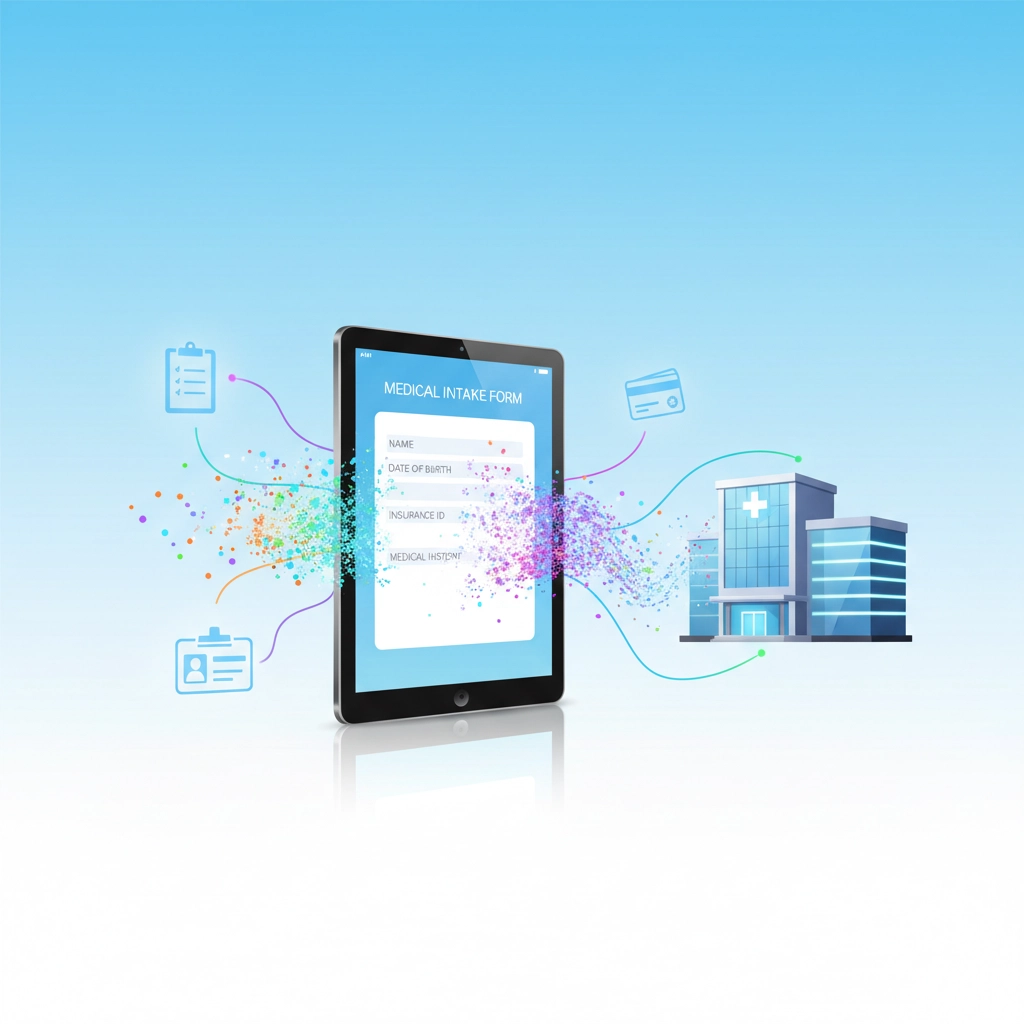
Automated Patient Intake Workflow
This workflow streamlines new patient onboarding:
- Form Trigger: Patient completes online intake forms
- Data Validation: Verify required information completeness
- Insurance Verification: Automatically check coverage and benefits
- Record Creation: Generate patient file in your EHR system
- Staff Notification: Alert appropriate team members
- Welcome Communication: Send personalized welcome message with next steps
Lab Results Processing Workflow
Automate lab result management:
- Email Trigger: Lab results arrive via secure email
- Data Extraction: Parse results and extract key values
- Flag Analysis: Identify abnormal values requiring physician review
- Record Integration: Upload results to patient files
- Provider Notification: Alert physicians of critical results
- Patient Communication: Send normal results with appropriate messaging
Insurance Verification Workflow
Streamline insurance checking:
- Schedule Trigger: Run verification for next day's appointments
- Patient Data Retrieval: Gather insurance information
- Eligibility Check: Query insurance provider APIs
- Benefit Analysis: Determine coverage levels and requirements
- Alert System: Notify staff of coverage issues or authorization needs
- Documentation: Update patient records with verification results
Best Practices for Healthcare n8n Workflows
Security and Compliance
Healthcare workflows must prioritize patient privacy and regulatory compliance. Implement these security measures:
- Use encrypted API connections for all healthcare data transfers
- Implement role-based access controls for workflow management
- Enable comprehensive audit logging for all patient data interactions
- Regularly review and update security credentials
- Ensure all third-party integrations meet HIPAA requirements
Performance Optimization
Healthcare practices can't afford workflow delays during busy periods. Optimize performance by:
- Using efficient database queries to minimize system load
- Implementing smart scheduling to avoid peak usage times
- Building in retry logic for temporary system unavailability
- Monitoring workflow execution times and bottlenecks
- Creating backup workflows for critical processes
Staff Training and Adoption
Successful automation requires team buy-in. Ensure smooth adoption by:
- Training staff on workflow monitoring and basic troubleshooting
- Creating clear documentation for each automated process
- Implementing gradual rollouts to allow for adjustment periods
- Establishing clear escalation procedures for workflow failures
- Regularly gathering feedback for workflow improvements

Measuring Automation Success
Track key metrics to demonstrate the value of your n8n healthcare workflows:
- Time Savings: Calculate hours saved on administrative tasks
- Error Reduction: Monitor decrease in manual data entry mistakes
- Patient Satisfaction: Measure improvements in communication and service
- Staff Efficiency: Track productivity gains in clinical and administrative areas
- Cost Savings: Document reduction in labor costs and operational expenses
Getting Expert Help with Healthcare Automation
While n8n provides powerful tools for healthcare automation, implementing comprehensive workflows requires expertise in both healthcare operations and automation technology. Working with experienced AI automation experts for businesses ensures your workflows are built correctly, securely, and efficiently from the start.
At Virtual Nexgen Solutions, we specialize in healthcare automation solutions that transform practice operations while maintaining the highest standards of security and compliance. Our team understands the unique challenges healthcare practices face and can design custom n8n workflows that address your specific needs.
Whether you're looking to automate appointment scheduling, streamline patient communications, or integrate multiple healthcare systems, our experts can help you automate your business with AI technologies that deliver measurable results.
Ready to transform your healthcare practice with custom n8n automation? Book a free consultation with our team to discuss your automation needs and discover how we can help streamline your operations.
Schedule your free 30-minute consultation today and take the first step toward a more efficient, automated healthcare practice.

