
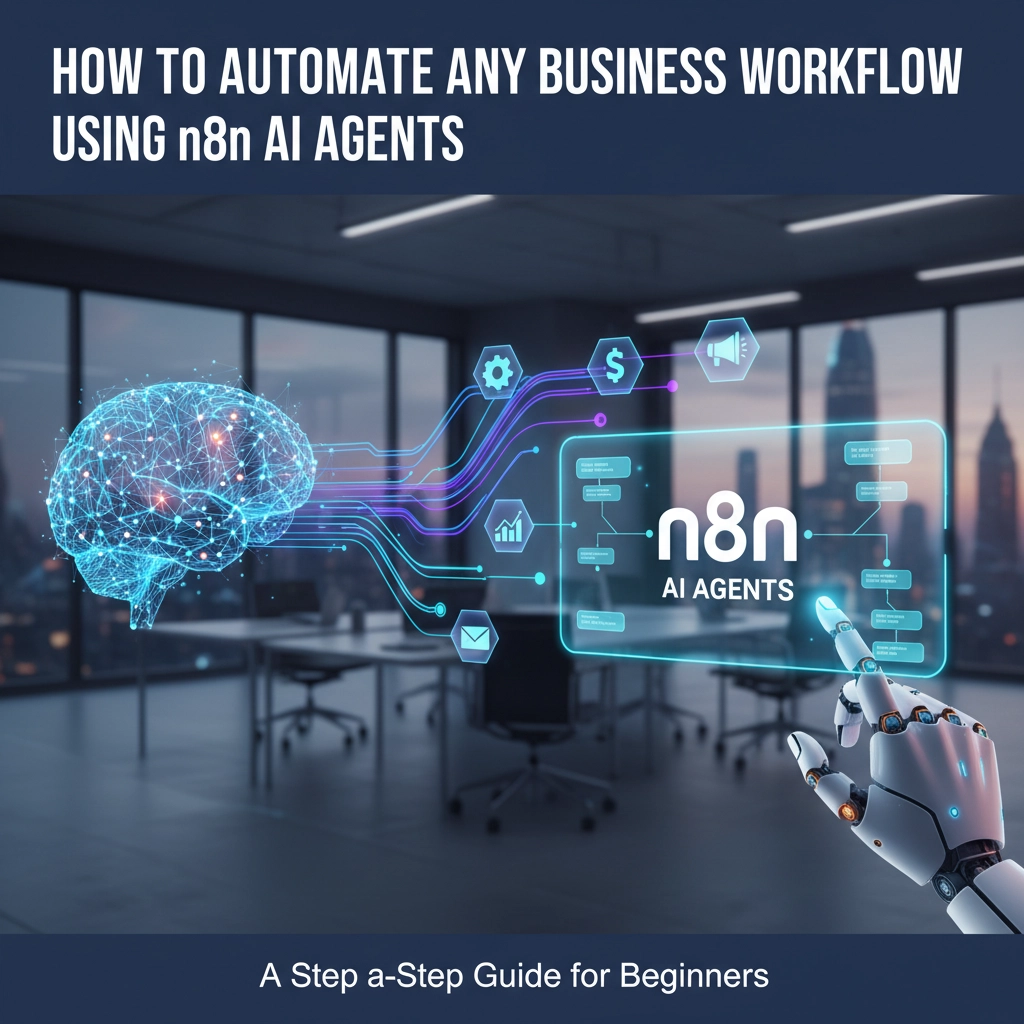
Are you drowning in repetitive tasks that eat away at your productivity? Whether you're managing customer inquiries, processing invoices, or handling data entry, manual workflows are costing your business time and money. The solution? Automate Your Business with AI using n8n AI agents.
This comprehensive guide will walk you through creating intelligent automation workflows that can transform any business operation: from small startups to enterprise companies. By the end, you'll have the knowledge to build your first n8n ai agent and start saving hours every week.
What is n8n and Why Every Business Needs It
n8n is a powerful, open-source workflow automation platform that connects different apps, APIs, and services without requiring extensive coding knowledge. Think of it as the bridge between all your business tools: email, CRM, spreadsheets, messaging apps: allowing them to work together seamlessly.
Unlike traditional automation tools, n8n's AI Automation Experts for Businesses approach means you can create intelligent workflows that actually think and make decisions, not just follow rigid if-then rules.

Prerequisites: What You Need to Get Started
Before diving into workflow creation, ensure you have:
- n8n installation: Use their cloud service or self-host (cloud is perfect for beginners)
- API keys: From AI providers like OpenAI, Google Gemini, or Anthropic (most offer free credits)
- Business accounts: For the apps you want to connect (Gmail, Slack, Google Sheets, etc.)
- 15-30 minutes: That's all you need to build your first automation
The beauty of n8n is its visual, drag-and-drop interface. If you can create a flowchart, you can build these workflows.
Step-by-Step Guide: Building Your First AI Agent Workflow
Step 1: Create Your Workflow and Set Up Triggers
Every automation starts with a trigger: the event that kicks off your workflow. Log into n8n and create a new workflow.
Click the "+" button to add your first node and select a trigger type:
- Chat Trigger: For customer service bots
- Webhook: For real-time data processing
- Form Submission: For lead qualification
- Email: For inbox management
- Schedule: For recurring tasks
For this example, let's build a customer inquiry handler using a Form Submission trigger.
Step 2: Add the AI Agent Node
This is where the magic happens. Click the "+" icon next to your trigger and search for "AI Agent." This node becomes the brain of your automation, capable of:
- Understanding natural language
- Making decisions based on context
- Generating human-like responses
- Calling external tools and services
Step 3: Configure Your AI Agent
In the AI Agent configuration panel, set up:
Chat Model: Choose your AI provider (GPT-4 is excellent for most business use cases)
Memory: Enable this to maintain context across interactions: crucial for customer service scenarios
System Prompt: Write clear instructions like: "You are a professional customer service agent for [Your Company]. Help customers with inquiries about pricing, features, and support. Be helpful and concise."

Step 4: Connect Data Flow
n8n workflows flow from left to right. Ensure your trigger connects to the AI Agent, and the agent can access the trigger's data (customer message, form inputs, etc.).
Map the prompt user message field to receive input from your trigger. This tells the AI agent what to respond to.
Step 5: Add Tools and Integrations
This step separates basic chatbots from powerful business automation. Add "tools" that allow your AI agent to:
- Query your knowledge base
- Send emails
- Update CRM records
- Schedule appointments
- Access product catalogs
For our customer service example, connect tools for:
- Email sending (for complex inquiries)
- Calendar scheduling (for demo requests)
- CRM updates (for lead tracking)
Step 6: Create Action Nodes
After your AI agent processes information, you need action nodes to execute decisions:
- Email Node: Send responses or notifications
- Google Sheets: Update customer databases
- Slack: Alert team members
- Webhook: Send data to other systems
Connect these to your AI Agent's output to complete the automation loop.
Step 7: Add Logic and Conditions
Make your workflow smarter with conditional logic:
- IF conditions: "If inquiry is about pricing, send to sales team"
- Switches: Route different inquiry types to different departments
- Loops: Process multiple items at once
This prevents workflow failures and handles edge cases automatically.
Step 8: Test Everything
Before going live:
- Click "Test" on individual nodes
- Run the complete workflow manually
- Check the Executions tab for errors
- Verify your AI agent maintains context (if memory is enabled)
Testing prevents embarrassing automation failures that could impact customers.
Step 9: Deploy and Monitor
Hit "Activate" to make your workflow live. Monitor performance through the Executions tab and use Insights to optimize efficiency over time.

Real-World Business Applications
Customer Support Automation: Handle common inquiries automatically while routing complex issues to human agents. A growing e-commerce company reduced response time from hours to minutes using this approach.
Lead Qualification: Automatically score and route leads based on form responses, company size, and budget indicators. This helps sales teams focus on high-quality prospects.
Invoice Processing: Extract data from invoices, validate information, and update accounting systems without manual data entry.
Content Creation: Generate social media posts, email campaigns, and blog outlines based on your brand guidelines and current trends.
HR Onboarding: Automatically send welcome emails, create accounts, schedule training, and add new employees to relevant systems.
Why n8n AI Agents Outperform Traditional Automation
Traditional automation follows rigid rules: "If this happens, do that." AI Automation Experts for Businesses know that real business scenarios are messy and unpredictable.
n8n AI agents can:
- Handle unexpected inputs gracefully
- Make contextual decisions
- Learn from interactions
- Provide human-like responses
- Adapt to changing business needs
This flexibility means your automations work reliably even as your business evolves.
The Business Impact: Real Numbers
Companies using AI-powered workflow automation typically see:
- 40-60% reduction in manual task time
- 85% faster response times to customer inquiries
- 30% improvement in lead conversion rates
- 50% fewer human errors in data processing
These aren't just efficiency gains: they're competitive advantages that directly impact your bottom line.
Common Mistakes to Avoid
Over-complicating initial workflows: Start simple. A basic customer inquiry router is better than a complex system that never gets finished.
Forgetting error handling: Always include fallback actions for when things don't go as planned.
Insufficient testing: Test with real data and edge cases, not just perfect scenarios.
Ignoring security: Use proper authentication and don't expose sensitive data in workflow logs.
Getting Professional Help
While n8n makes automation accessible, complex business workflows often benefit from expert guidance. Virtual Assistant & AI Automation Services can accelerate your automation journey, ensuring you avoid common pitfalls and maximize ROI from day one.
At Virtual Nexgen Solutions, we specialize in implementing AI-powered automation workflows that transform how businesses operate. Whether you need Marketing Virtual Assistants, Bookkeeping Virtual Assistants, or custom automation solutions, our team has the expertise to deliver results.
Ready to Automate Your Business with AI? Don't let another day pass drowning in manual tasks. Book a free 30-minute consultation at https://calendly.com/virtualnexgen-info/30min and discover how we can transform your workflows.
Visit www.virtualnexgen.com to explore our full range of services and see how other businesses have successfully automated their operations.
The future of business is automated, intelligent, and efficient. Your competitors are already exploring these technologies. The question isn't whether you should automate( it's how quickly you can get started.)

