
Are you still manually creating invoices in Excel, sending payment reminders through individual emails, and losing track of which clients owe you money? You're not alone. Most small and medium-sized businesses waste 15-20 hours per week on invoice management tasks that could be completely automated.
With n8n workflow automation, you can transform your invoicing process from a time-consuming nightmare into a smooth, hands-off system that actually helps you get paid faster. Let's dive into exactly how to set this up for your business.
The Hidden Cost of Manual Invoicing
Before we jump into the solution, let's talk about what manual invoicing is really costing your business. Beyond the obvious time drain, consider these pain points:
- Late payments: Without systematic follow-ups, invoices slip through the cracks
- Human errors: Typos in amounts, dates, or client details create confusion and delays
- Inconsistent branding: Each invoice looks slightly different when created manually
- Lost invoices: Email attachments get buried, paper invoices get misplaced
- Cash flow uncertainty: You never know your real financial position without constant manual tracking
The average SMB loses 2-5% of annual revenue to these inefficiencies. For a $500K business, that's up to $25,000 in lost revenue every year.
Why n8n is Perfect for SMB Invoice Automation
Unlike expensive enterprise solutions, n8n offers the perfect sweet spot for growing businesses: powerful enough to handle complex workflows, yet simple enough for non-technical users to set up and maintain.

Here's what makes n8n ideal for invoice automation:
Visual Workflow Builder: Drag-and-drop interface means no coding required
Affordable Pricing: Fraction of the cost compared to enterprise automation tools
Flexible Integrations: Connects with virtually any business software you're already using
Scalable: Starts simple but grows with your business complexity
Real-time Processing: Instant responses to triggers like new orders or payment confirmations
How Automated Invoice Workflows Actually Work
Think of your automated invoicing system as a smart assistant that never takes a day off. Here's the basic flow:
Trigger Event → Something happens in your business (new sale, project completion, monthly subscription renewal)
Data Collection → The system automatically gathers all necessary information from your CRM, project management tool, or order system
Invoice Generation → A professional PDF invoice is created using your branded template with accurate client and payment details
Delivery → Invoice is automatically sent via email with payment links and terms clearly outlined
Payment Tracking → The system monitors payment status in real-time through your payment processor
Smart Follow-ups → Automated reminder emails are sent based on your specified schedule, with different messaging for different overdue periods
Reconciliation → Once payment is received, everything syncs automatically with your accounting software
Step-by-Step Setup Guide
Step 1: Choose Your Trigger Points
Start by identifying what events should trigger invoice creation. Common triggers include:
- New project marked as "Complete" in your project management tool
- Monthly recurring subscription dates
- Product orders reaching "Shipped" status
- Services delivered confirmation from your CRM
Step 2: Connect Your Data Sources
n8n needs to pull client information, pricing, and project details from somewhere. Popular integrations include:
- Airtable or Google Sheets: Simple database for client info and pricing
- HubSpot or Pipedrive: CRM data for client contacts and project details
- Stripe or Square: Payment processing and subscription management
- Monday.com or Asana: Project completion status
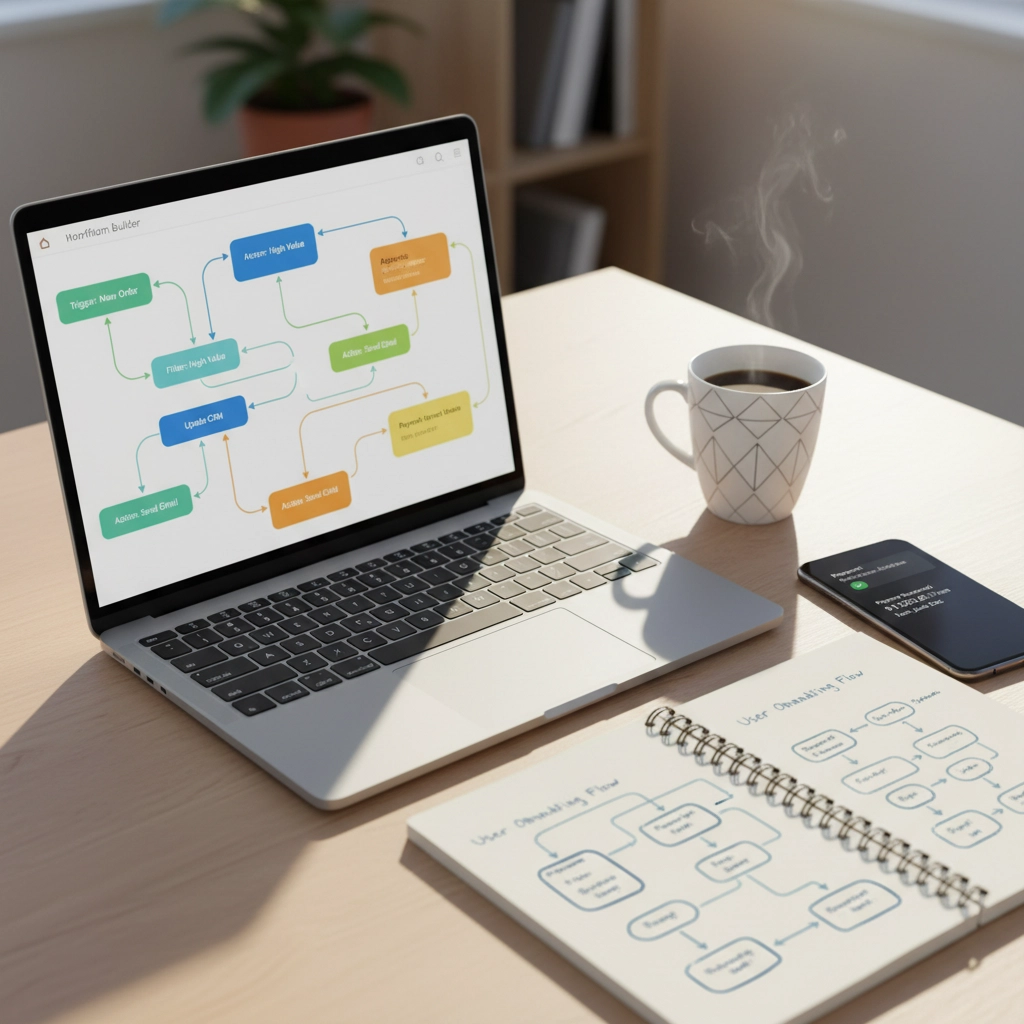
Step 3: Design Your Invoice Template
Create a professional PDF template that includes:
- Your company branding and contact information
- Client billing and delivery addresses
- Itemized services or products with descriptions
- Payment terms and due dates
- Multiple payment options (check, bank transfer, online payment)
Step 4: Set Up Payment Tracking
Connect n8n to your payment processors so it can automatically detect when invoices are paid. This typically involves:
- API connections to Stripe, PayPal, or Square
- Webhook listeners for instant payment notifications
- Database updates to mark invoices as "Paid"
- Automatic generation of payment confirmation emails
Step 5: Configure Smart Reminder Sequences
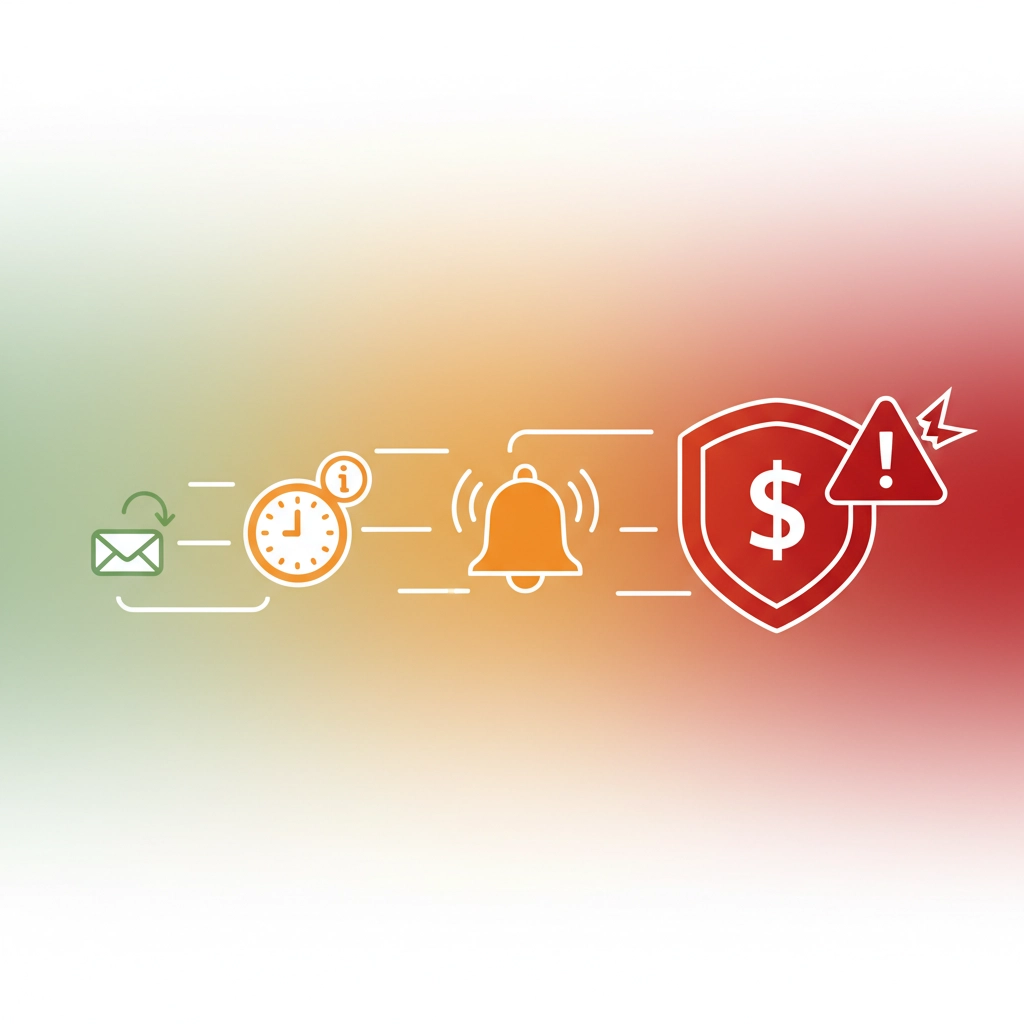
This is where the magic happens. Set up a series of escalating reminders:
7 days before due date: Friendly reminder with payment link
Due date: Professional notice that payment is due today
3 days overdue: Gentle follow-up asking if there are any issues
7 days overdue: Firmer tone requesting immediate payment
14 days overdue: Notice of late fees and potential service suspension
Essential Integrations for Maximum Efficiency
The power of n8n comes from connecting multiple business tools into one seamless workflow. Here are the most valuable integrations for invoice automation:
Accounting Software Integration
Connect directly to QuickBooks, Xero, or FreshBooks to ensure every invoice, payment, and expense is automatically recorded. This eliminates month-end reconciliation headaches and gives you real-time financial insights.
Customer Relationship Management (CRM)
Pull client information, project details, and payment preferences directly from your CRM. HubSpot, Salesforce, and Pipedrive integrations ensure invoices always have accurate, up-to-date client information.
Payment Processing
Direct integration with Stripe, PayPal, Square, or Authorize.net enables automatic payment status updates and instant reconciliation when payments are received.
Communication Tools
Enhance your payment reminders by integrating with Slack or Microsoft Teams to notify your team when large invoices are paid or when payment issues need attention.
Measuring the ROI of Invoice Automation
Once your automated system is running, you'll quickly see measurable improvements:
Time Savings: Most businesses reduce invoice-related tasks from 15+ hours per week to under 2 hours
Faster Payments: Automated reminders typically reduce average payment time by 40-60%
Reduced Errors: Eliminate 95%+ of manual data entry mistakes
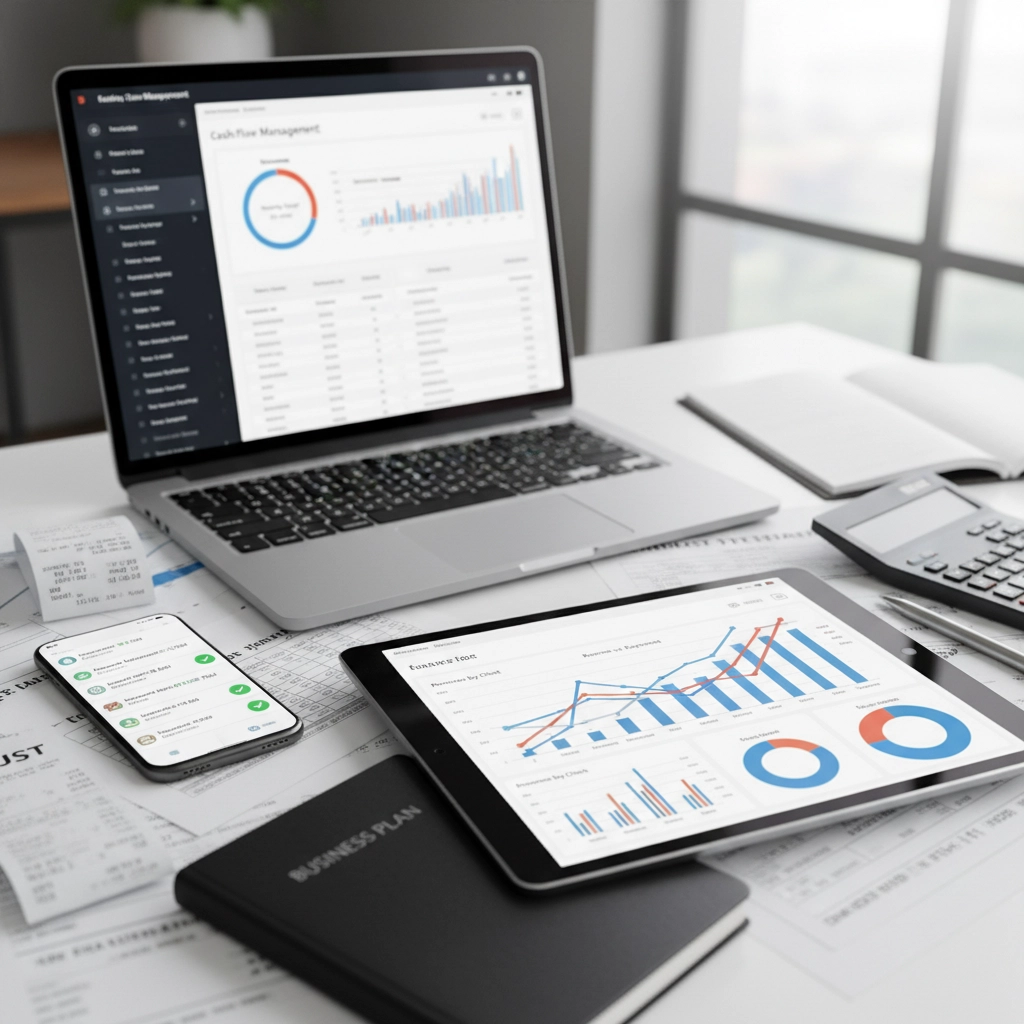
Better Cash Flow: Real-time payment tracking gives you accurate financial forecasting
Professional Image: Consistent, branded invoices improve client perception
A typical SMB with $50K+ monthly revenue sees ROI within the first month of implementation.
Getting Started: Your First 30 Days
Week 1: Set up basic n8n account and connect one data source (start with your CRM or project management tool)
Week 2: Create your first simple workflow – automatic invoice generation when projects are marked complete
Week 3: Add payment tracking integration with your preferred payment processor
Week 4: Implement your first automated reminder sequence for overdue invoices
Start simple and add complexity gradually. Many businesses make the mistake of trying to automate everything at once, which leads to confusion and errors.
Advanced Automation Strategies
Once you master basic invoice automation, consider these advanced features:
Dynamic Pricing: Automatically adjust rates based on client tier, project complexity, or market conditions
Multi-Currency Support: Handle international clients with automatic currency conversion and localized payment options
Tax Compliance: Automatically calculate and apply appropriate taxes based on client location
Performance Analytics: Track metrics like average payment time, most profitable clients, and seasonal patterns
Common Pitfalls to Avoid
Over-complicating Initially: Start with basic automation before adding advanced features
Ignoring Client Preferences: Some clients prefer phone calls over emails – build flexibility into your system
Forgetting Human Touch: Automated doesn't mean impersonal – customize messaging for important clients
Neglecting Testing: Always test workflows with small amounts before processing large invoices
Why Virtual Nexgen Solutions is Your Perfect Implementation Partner
Setting up invoice automation might seem daunting, but you don't have to figure it out alone. At Virtual Nexgen Solutions, we specialize in helping SMBs implement AI-powered automation systems that save time and increase profitability.
Our experienced team has helped hundreds of businesses automate their invoicing processes, and we understand the unique challenges facing growing companies. We don't just set up the technology – we ensure your team knows how to use it effectively and provide ongoing support as your business evolves.
From initial consultation to full implementation, our Bookkeeping Virtual Assistants work alongside your team to create automated workflows that fit your specific business needs.
Take Action Today
Invoice automation isn't just about saving time – it's about creating predictable cash flow, reducing stress, and allowing you to focus on growing your business instead of chasing payments.
Ready to eliminate manual invoicing forever? Book a free 30-minute consultation with our automation experts to discuss your specific needs and see how n8n can transform your business operations.
Schedule your free consultation here and take the first step toward automated success.
Don't let another month go by watching competitors get paid faster while you're stuck with spreadsheets and manual follow-ups. Your future self will thank you for making this investment today.

