
If you're drowning in emails like most business professionals, you're not alone. The average executive receives over 120 emails per day, spending nearly 28% of their workweek just managing their inbox. But what if your email could practically manage itself? With n8n workflows, you can automate email sorting, intelligent replies, and strategic follow-ups that work around the clock: even while you sleep.
The Email Automation Revolution: Why n8n Changes Everything
n8n (pronounced "n-eight-n") is a powerful no-code automation platform that connects your email with AI and other business tools to create intelligent workflows. Unlike simple email filters, n8n workflows can understand context, make decisions, and take actions across multiple platforms automatically.
Think of it as having a digital assistant that never takes a break, sorting your emails by priority, responding to common inquiries, and ensuring important leads never slip through the cracks. For busy professionals and growing businesses, this level of automation isn't just convenient: it's transformational.
Workflow #1: AI-Powered Email Sorting and Intelligent Labeling
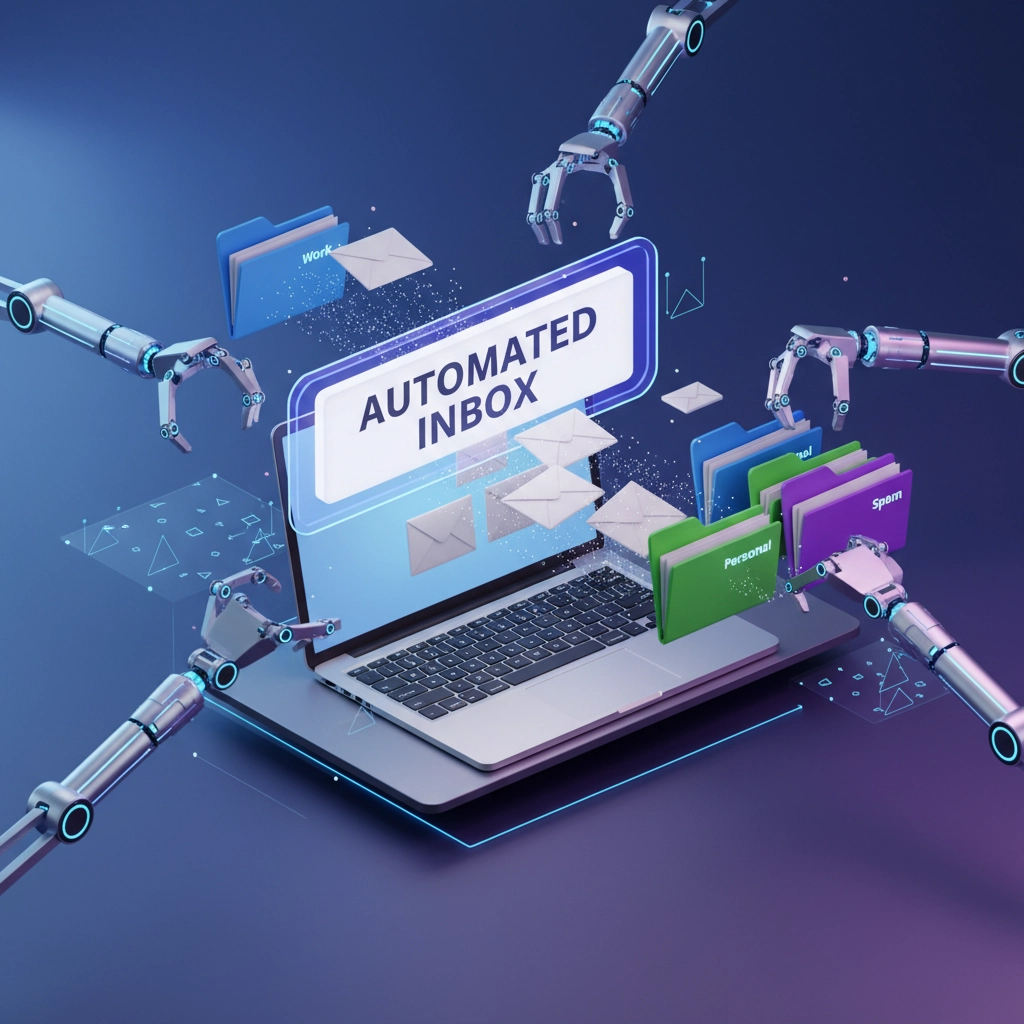
The first workflow every professional needs is intelligent email categorization. Instead of manually reviewing each message, n8n can analyze incoming emails and automatically sort them into predefined categories like "Urgent," "Leads," "Partnerships," or "Administrative."
How It Works:
Your Gmail account connects to n8n through the Gmail trigger node, which monitors for new emails. When a message arrives, an AI service like OpenAI analyzes the content and context. Based on your custom instructions, the AI categorizes the email and applies the appropriate label automatically.
Setting Up the Workflow:
- Create your email labels in Gmail (Urgent, Leads, Admin, etc.)
- Configure the Gmail trigger node in n8n
- Add an AI analysis node with custom categorization prompts
- Connect a "Set Label" action to apply the determined category
- Test with sample emails before activating
Pro Tip: Customize your AI prompt with specific instructions like: "Categorize emails as 'Hot Lead' if they mention pricing, demos, or buying timeline. Mark as 'Partnership' if they discuss collaboration or joint ventures."
This workflow alone can save 30-45 minutes daily while ensuring critical messages receive immediate attention.
Workflow #2: Personalized Automated Replies That Sound Human
Generic auto-responders are dead. Modern customers expect personalized, relevant responses. n8n combined with AI can generate contextual replies that address specific inquiries while maintaining your professional tone.
The Smart Reply System:
When emails arrive in specific categories (like "Product Inquiries"), n8n triggers an AI workflow that analyzes the sender's question, references your knowledge base, and generates a personalized response. The AI considers the sender's industry, company size, and specific needs mentioned in their message.

Implementation Steps:
- Create response templates for common inquiry types
- Build an AI prompt that includes your company information and tone guidelines
- Set up conditional logic to determine which emails qualify for auto-replies
- Include human review flags for complex inquiries
- Add your contact information and next steps in every response
Real-World Impact: A marketing agency using this workflow saw 40% faster response times and 25% higher conversion rates from email inquiries, as prospects received immediate, relevant information instead of waiting hours or days for manual replies.
Workflow #3: Strategic Follow-Up Sequences That Never Miss
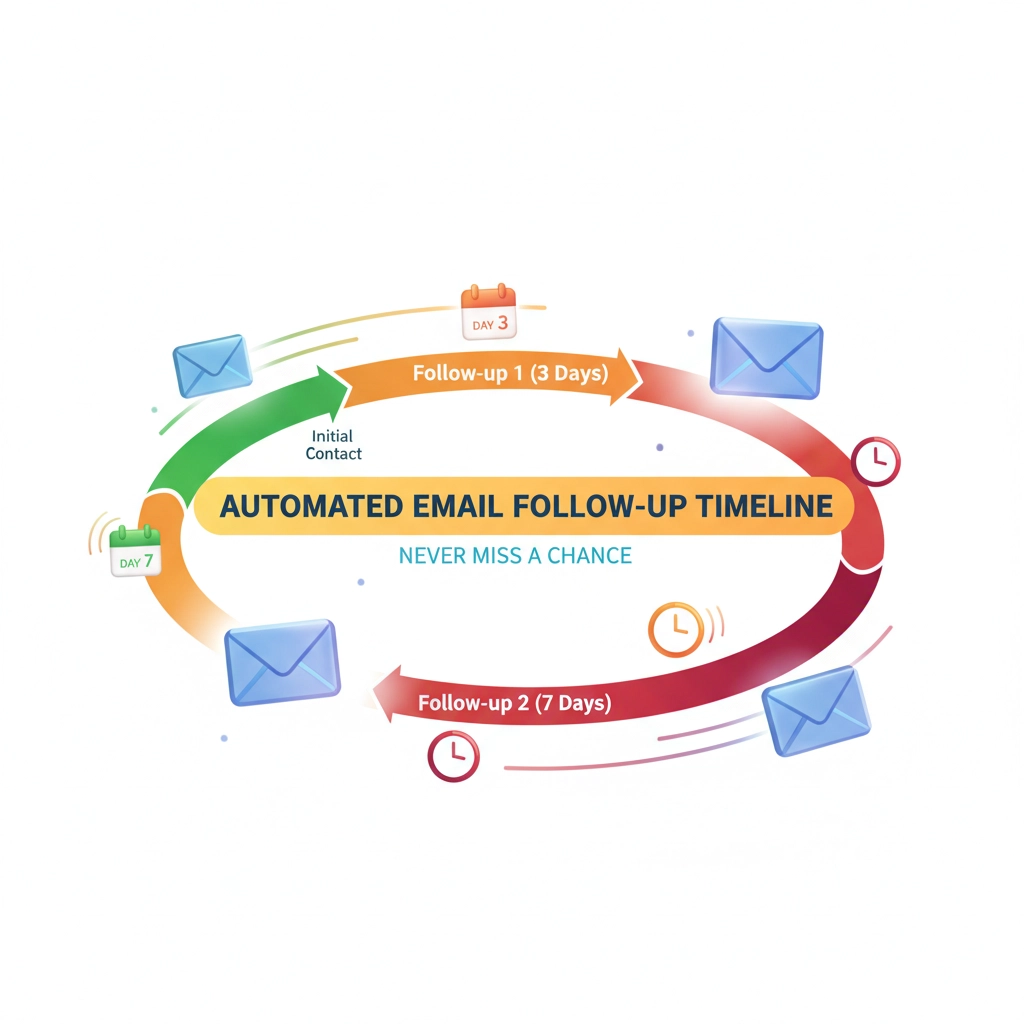
Follow-up emails generate 3x more responses than initial outreach, but they're easy to forget in busy schedules. n8n can automate intelligent follow-up sequences based on recipient behavior, time elapsed, and specific triggers.
Smart Follow-Up Logic:
The workflow tracks email opens, clicks, and responses. If a prospect opens your initial email but doesn't respond within 3 days, n8n automatically sends a value-added follow-up. If they click a link but don't convert, the system sends targeted information about their specific interest area.
Advanced Follow-Up Features:
- Time-based sequences (3-day, 1-week, 2-week intervals)
- Behavior-triggered responses (opened but didn't reply)
- Interest-based personalization (clicked pricing vs. features)
- Automatic pause when prospects respond
- CRM integration to track engagement scores
Workflow #4: Lead Scoring and Priority Routing
Not all emails are created equal. n8n can automatically score incoming leads based on company size, industry, budget indicators, and urgency language, then route high-value prospects directly to senior team members.
The Scoring System:
The AI analyzes incoming emails for buying signals like "budget approved," "timeline," "decision maker," and company indicators. Emails mentioning enterprise needs, specific budgets, or urgent timelines automatically receive "Hot Lead" status and trigger immediate notifications to your sales team.
Notification Workflow:
High-priority emails trigger instant Slack messages, SMS alerts, or phone notifications to ensure rapid response. The system includes lead context, predicted value, and suggested next steps, so your team responds with relevant information immediately.
Integration Power: Connecting Email to Your Business Ecosystem
n8n's true strength emerges when email workflows connect to your entire business stack. These integrations create seamless end-to-end automation:
CRM Integration: Automatically log emails, update lead statuses, and create follow-up tasks
Calendar Sync: Schedule meetings directly from email requests
Project Management: Create tasks from client emails and update project status
Analytics: Track email performance, response rates, and conversion metrics
Document Automation: Generate proposals and contracts based on email requirements
ROI: The Numbers Don't Lie
Businesses implementing comprehensive email automation typically see:
- 60-75% reduction in email processing time
- 40-50% faster response times to prospects
- 25-30% increase in lead conversion rates
- 80% reduction in missed follow-ups
- 35% improvement in customer satisfaction scores
For a mid-sized business, this often translates to 10-15 hours weekly savings per employee and significantly improved revenue from better lead management.
Getting Started: Your 30-Day Implementation Plan
Week 1: Set up basic email sorting and labeling workflows
Week 2: Implement automated replies for common inquiries
Week 3: Build follow-up sequences for different lead types
Week 4: Integrate with CRM and optimize based on performance data
Essential First Steps:
- Audit your current email volume and identify repetitive tasks
- Create standardized email labels and categories
- Draft template responses for common inquiries
- Map your lead qualification criteria
- Test workflows with sample data before full activation
Advanced Strategies for Email Automation Mastery
Multi-Channel Integration: Connect email workflows to LinkedIn outreach, WhatsApp follow-ups, and retargeting campaigns for comprehensive prospect nurturing.
AI Learning Enhancement: Use feedback loops to continuously improve AI responses based on recipient engagement and conversion rates.
Compliance Automation: Automatically include GDPR compliance, unsubscribe options, and industry-specific disclaimers in all automated communications.
The Virtual Assistant Advantage
While n8n provides powerful automation capabilities, setting up and optimizing these workflows requires expertise and ongoing management. This is where professional virtual assistants specializing in automation become invaluable.
At Virtual Nexgen Solutions, our AI-trained virtual assistants specialize in implementing and managing n8n workflows for businesses across industries. We don't just set up automation: we continuously optimize performance, add new capabilities, and ensure your systems evolve with your business needs.
Our team has helped hundreds of businesses transform their email productivity, often achieving 3x faster implementation times compared to in-house setup. We handle the technical complexity while you focus on growing your business.
Ready to transform your email productivity? Book a free 30-minute consultation with our automation specialists to discuss your specific needs and see exactly how n8n workflows can revolutionize your business communication.
Schedule Your Free Consultation
Don't let email management consume another minute of your valuable time. With the right n8n workflows, your inbox becomes a growth engine that works 24/7 to nurture leads, delight customers, and drive results( even while you sleep.)

