
Insurance agencies are drowning in manual CRM tasks. Between updating client records, managing lead pipelines, and processing claims data, the average insurance professional spends 3-4 hours daily on repetitive CRM maintenance. What if you could automate 90% of these tasks and redirect that time toward selling policies and serving clients?
Enter n8n workflow automation – a game-changing platform that's transforming how insurance agencies manage their CRM systems. With over 400 native integrations and powerful AI capabilities, n8n is helping insurance professionals cut administrative time by 80% while dramatically improving data accuracy and client service.
What Makes n8n Perfect for Insurance CRM Optimization
Unlike basic CRM automation tools, n8n functions as a sophisticated workflow orchestrator that connects your insurance CRM with every other business system. Whether you're using Salesforce, HubSpot, or a specialized insurance platform like Applied Epic or AMS360, n8n creates seamless data flows that eliminate manual data entry and reduce errors.
The Insurance Challenge: Most agencies juggle multiple systems – CRM, policy management software, claims platforms, email marketing tools, and accounting systems. Data silos create inefficiencies, duplicate entries, and missed opportunities.
The n8n Solution: Automated workflows that sync data across all platforms in real-time, ensuring your CRM becomes the single source of truth for client relationships.

Essential Insurance CRM Workflows to Automate
1. Lead Management and Qualification
Transform how new prospects enter your sales pipeline. Set up automated workflows that:
- Capture leads from multiple sources (website forms, social media, referrals)
- Score prospects based on predetermined criteria (age, location, coverage needs)
- Route qualified leads to appropriate agents based on specialization
- Trigger follow-up sequences automatically
Real-World Impact: Agencies using automated lead routing see 35% faster response times and 22% higher conversion rates.
2. Policy Renewal Automation
Never miss a renewal opportunity again. Configure workflows that:
- Monitor expiration dates 90, 60, and 30 days before renewal
- Generate renewal quotes automatically using current client data
- Send personalized emails with updated coverage options
- Create follow-up tasks for agents when clients don't respond
3. Claims Processing Integration
Streamline the claims experience for both clients and staff:
- Auto-create CRM records when claims are filed
- Update policy status in real-time
- Trigger client communication workflows
- Generate adjuster assignments based on claim type and location
A typical manual claims process that takes 3 hours can be reduced to 15-20 minutes with proper n8n automation, saving agencies approximately $68,250 annually per 100 monthly claims processed.
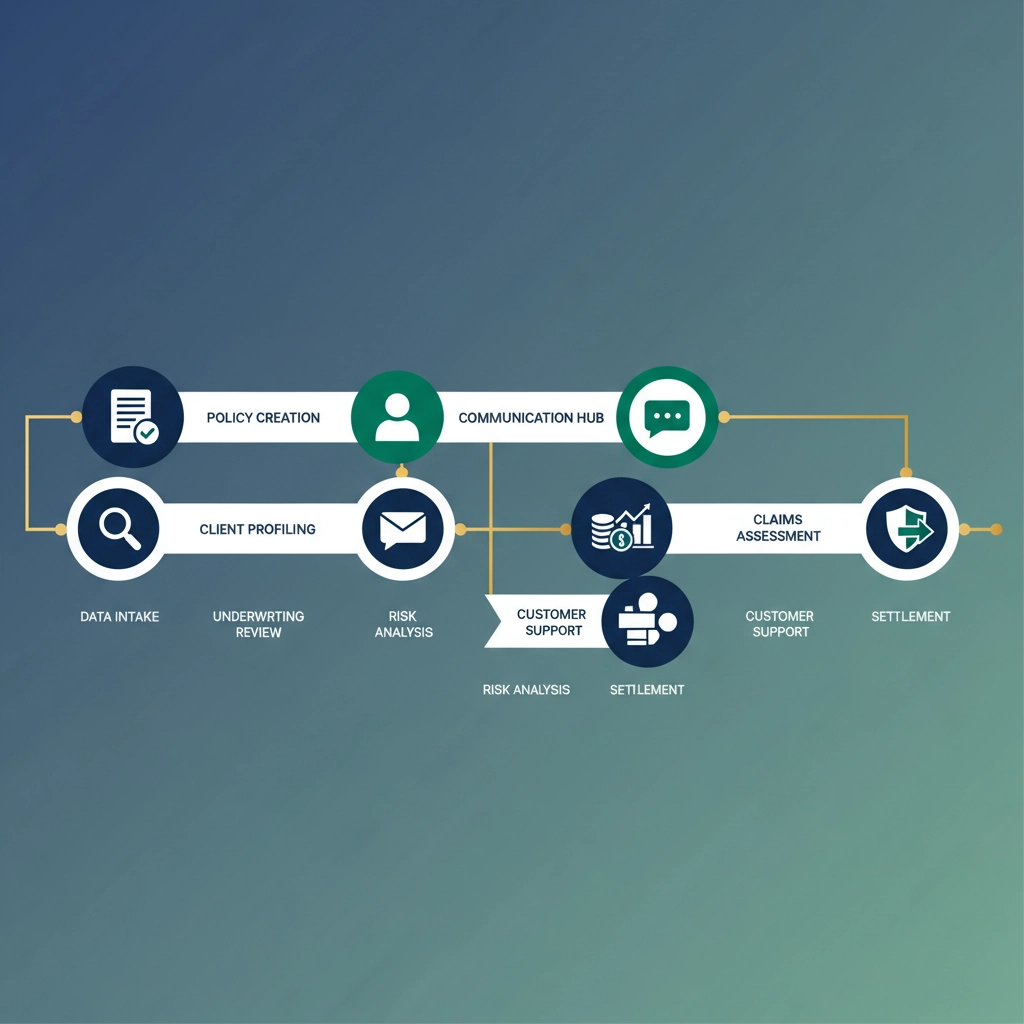
Setting Up Your First Insurance CRM Workflow
Step 1: Map Your Current Process
Before building automation, document your existing CRM workflows. Identify:
- Data entry points (where information currently enters manually)
- Repetitive tasks performed daily by your team
- System handoffs where data moves between platforms
- Communication triggers that require manual intervention
Step 2: Choose Your Integration Points
Most successful insurance CRM automations start with these key integrations:
Primary Systems:
- CRM platform (Salesforce, HubSpot, Pipedrive)
- Insurance management system (Applied, QQCatalyst, EZLynx)
- Email platform (Mailchimp, Constant Contact)
- Calendar system (Google Calendar, Outlook)
Secondary Systems:
- Document storage (Google Drive, Dropbox)
- Communication tools (Slack, Microsoft Teams)
- Accounting software (QuickBooks, Xero)
Step 3: Build Your First Automation
Start with a simple lead capture workflow:
- Trigger: New form submission on website
- Action 1: Create contact in CRM with lead source tag
- Action 2: Send welcome email with agency information
- Action 3: Create task for assigned agent
- Action 4: Add contact to appropriate email nurture sequence

Advanced Automation Strategies for Insurance Agencies
AI-Powered Lead Scoring
Implement intelligent lead qualification using n8n's AI capabilities:
- Analyze prospect data against your best client profiles
- Score leads automatically based on conversion probability
- Route high-value prospects to senior agents immediately
- Nurture lower-scored leads through automated email sequences
Cross-Selling and Upselling Automation
Maximize client lifetime value with automated opportunity identification:
- Monitor policy portfolios for coverage gaps
- Trigger alerts when clients qualify for additional products
- Generate personalized proposals automatically
- Schedule follow-up appointments through calendar integration
Compliance and Documentation Workflows
Ensure regulatory compliance with automated documentation:
- Create audit trails for all client interactions
- Generate required reports automatically
- Archive communications according to retention policies
- Alert staff to upcoming compliance deadlines
ROI Analysis: The Business Case for CRM Automation
Time Savings Breakdown
For a mid-size insurance agency processing 500 leads monthly:
Before Automation:
- Manual data entry: 50 hours/month
- Lead routing and assignment: 20 hours/month
- Follow-up task creation: 30 hours/month
- Total: 100 hours/month ($5,000 in labor costs)
After n8n Implementation:
- Automated processes: 10 hours/month for monitoring
- Savings: 90 hours/month ($4,500 monthly)
- Annual ROI: $54,000 saved vs. $3,000 automation setup cost = 1,700% ROI
Quality Improvements
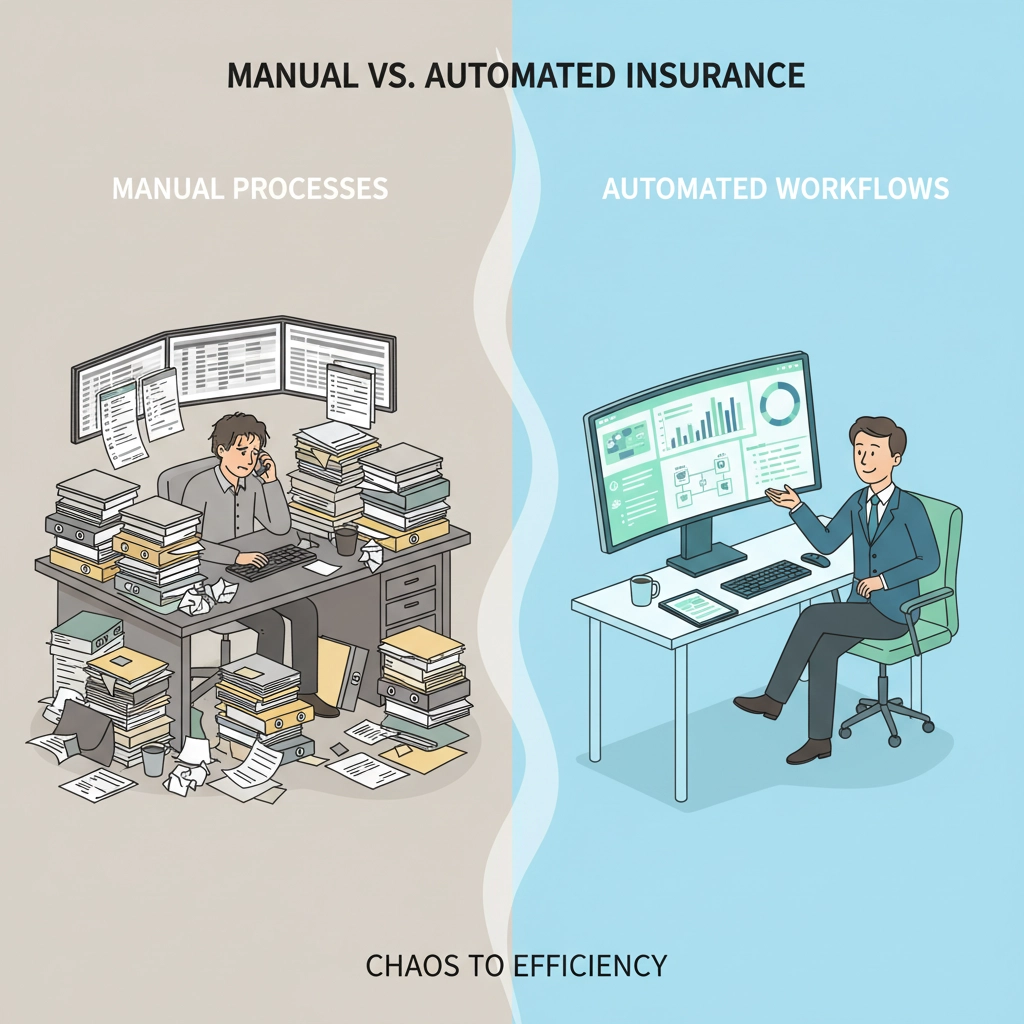
Beyond time savings, automation delivers:
- 99%+ data accuracy vs. 85-90% with manual entry
- Instant lead response vs. 2-4 hour average manual response
- Zero missed renewals with automated monitoring
- Consistent client communication through standardized workflows
Implementation Best Practices
Start Small and Scale
Begin with one workflow and expand gradually:
- Week 1-2: Lead capture automation
- Week 3-4: Add email nurture sequences
- Week 5-6: Implement renewal monitoring
- Month 2: Add claims processing integration
Data Security Considerations
Insurance data requires special handling:
- Encrypt all data transfers between systems
- Implement role-based access controls
- Regular security audits of workflow permissions
- Backup strategies for critical automation data
Team Training and Adoption
Successful automation requires team buy-in:
- Document all workflows with clear explanations
- Train staff gradually on new automated processes
- Maintain manual backup procedures during transition
- Gather feedback and iterate on workflows

Common Pitfalls to Avoid
Over-Automation
Not every process should be automated. Keep human oversight for:
- Complex client situations requiring empathy
- High-value client interactions that benefit from personal touch
- Regulatory decisions requiring professional judgment
Data Quality Issues
Automation amplifies data problems:
- Clean existing CRM data before implementing automation
- Establish data standards for all team members
- Regular data audits to maintain quality
Future-Proofing Your Insurance CRM Automation
As AI technology evolves, n8n workflows can incorporate:
- Natural language processing for client communication analysis
- Predictive analytics for churn prevention
- Voice-to-text integration for automated call logging
- Machine learning models for increasingly sophisticated lead scoring
Transform Your Insurance Agency with Professional Automation
Implementing comprehensive CRM automation can seem overwhelming, but you don't have to navigate this transformation alone. At Virtual Nexgen Solutions, we specialize in helping insurance agencies implement sophisticated n8n workflows that drive real business results.
Our team has helped hundreds of insurance professionals cut administrative time by 60-80% while improving client satisfaction and growing revenue. From initial workflow design to ongoing optimization, we provide complete automation solutions tailored to your specific needs.
Ready to revolutionize your insurance CRM? Schedule a free consultation to discuss your automation goals and discover how n8n workflows can transform your agency's efficiency.
Book your strategy session today and join the growing number of insurance professionals who've discovered the competitive advantage of intelligent automation.
Don't let manual CRM tasks hold your agency back. The future of insurance is automated, efficient, and client-focused. Start your transformation today.

