
Human error in HR and administrative processes can be costly, both financially and operationally. A single mistaken approval, missed step, or overlooked detail can lead to compliance issues, employee dissatisfaction, and wasted resources. That's where n8n's approval loops come in as a game-changer for HR leaders looking to streamline processes while maintaining essential human oversight.
Approval loops in n8n create structured checkpoints in your automated workflows, ensuring that critical decisions still require human judgment while eliminating the chaos of manual processes. For HR departments managing everything from time-off requests to expense approvals, this approach reduces errors by up to 85% while maintaining the personal touch your team needs.
What Are Approval Loops and Why Do HR Teams Need Them?
An approval loop is a workflow mechanism that pauses automation at predetermined points, requiring human intervention before proceeding. Think of it as a digital version of getting your manager's signature, but infinitely more reliable and trackable.
For HR and admin teams, approval loops solve several critical challenges:
- Consistency: Every request follows the same approval path, eliminating the "who do I ask?" confusion
- Accountability: Clear audit trails show who approved what and when
- Speed: Approvals happen faster than traditional email chains
- Compliance: Structured processes ensure regulatory requirements are met
The beauty of n8n's approach is that it combines automation efficiency with human decision-making, creating a sweet spot that reduces errors without removing necessary oversight.
Understanding n8n's "Send and Wait for Response" Node

The foundation of any approval workflow in n8n is the Send and Wait for Response node. This powerful feature sends an email to designated approvers with embedded approval buttons, then pauses the workflow until a response is received.
Here's how it works technically: when an approval request is sent, n8n generates unique tracking links in the format https://myaccount.app.n8n.cloud/webhook-waiting/[ID]/[Guid]?approved=[true/false]. These links ensure that responses are properly routed back to your workflow, regardless of where or how the approver responds.
The node offers several response types:
- Approval only: Single "Approve" button for straightforward decisions
- Approve/Disapprove: Two buttons with customizable labels and styling
- Custom responses: Multiple choice options for complex scenarios
For HR teams, this flexibility means you can design approval interfaces that match your specific processes, whether you're handling simple vacation requests or complex hiring decisions.
Step-by-Step Guide: Building Your First HR Approval Workflow
Let's create a practical approval workflow for employee time-off requests, one of the most common HR processes that benefits from automation.
Step 1: Set Up the Trigger
Start with a Webhook or Manual Trigger node to capture incoming time-off requests. This could be connected to a web form, email parser, or HR system integration. Configure the trigger to capture essential information like employee name, dates requested, reason, and manager email.
Step 2: Add Data Validation
Before sending approval requests, include validation nodes to check for:
- Sufficient advance notice (e.g., at least 2 weeks for vacation)
- Available balance in the employee's time-off account
- No scheduling conflicts with already-approved requests
This validation step prevents incomplete or invalid requests from reaching managers, reducing decision fatigue and potential errors.
Step 3: Configure the Approval Node
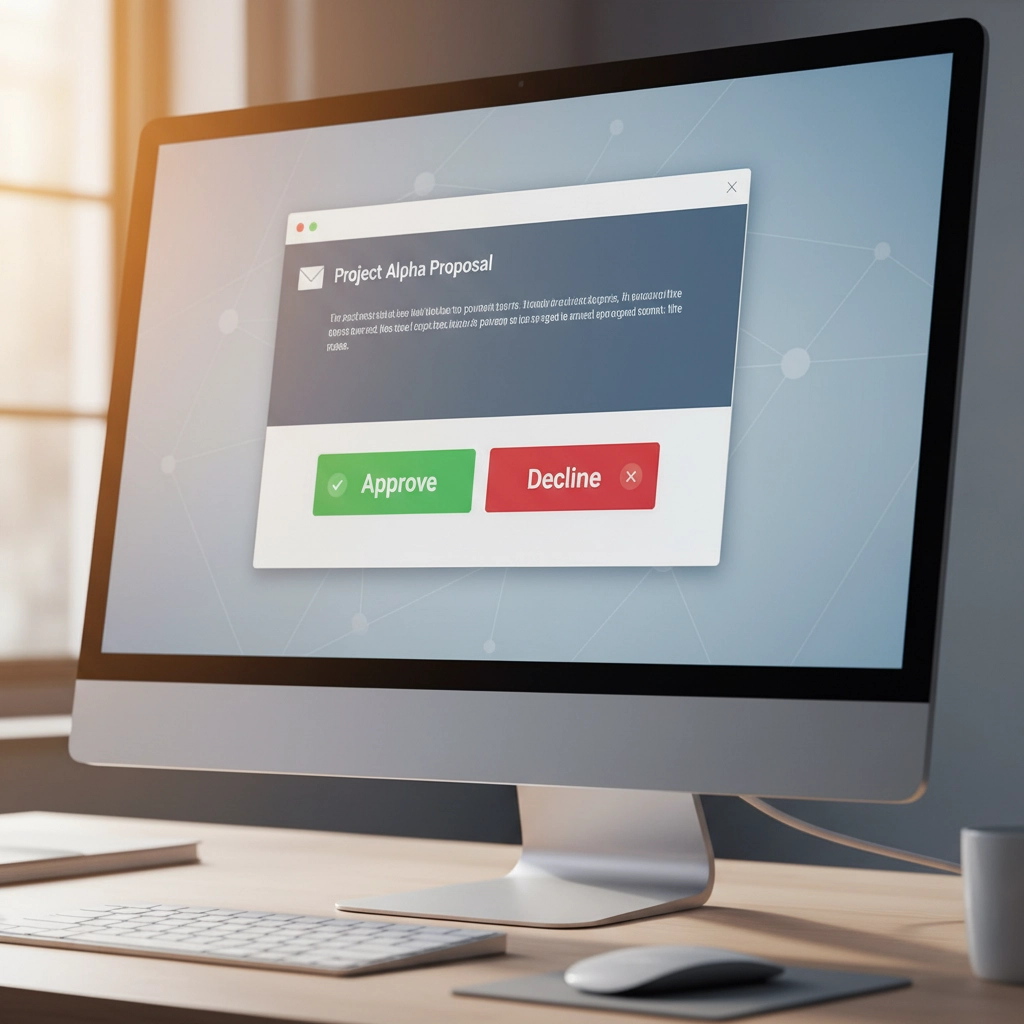
Add a Gmail Send node and select "Send and Wait for Response" as the operation. Configure it with:
- Recipient: The employee's direct manager
- Subject: "Time-off Request Approval: [Employee Name]"
- Response Type: "Approve and disapprove" for clear decision options
- Custom labels: "Approve Request" and "Need More Info"
Include all relevant details in the email body: employee name, requested dates, reason, current balance, and any special considerations.
Step 4: Implement Conditional Branching
After the approval node, add an IF node to evaluate the response. Create two branches:
Approved Branch:
- Update the HR system to record approved time-off
- Send confirmation email to employee
- Update team calendar
- Deduct time from employee's balance
Rejected/Need Info Branch:
- Send detailed feedback to employee
- Create follow-up task for manager
- Log rejection reason for future reference
Step 5: Add Error Handling
Include error handling for scenarios like:
- Manager doesn't respond within 48 hours (auto-escalate to senior manager)
- Technical failures in downstream systems
- Invalid approval responses
Advanced Approval Configurations for Complex HR Scenarios
Multi-Level Approvals
For high-value requests like expense reimbursements over $1,000, you might need multiple approval levels. Chain approval nodes together, with each level having different criteria:
- Direct Manager: Approves business justification and budget alignment
- Finance Team: Reviews compliance and payment processing
- Department Head: Final sign-off for amounts over $5,000
Conditional Approval Routing

Use n8n's conditional logic to route approvals based on specific criteria:
- Remote work requests go to IT for equipment approval
- Hiring requests include budget holder and HR compliance review
- Training requests route through L&D and finance teams
Integration with Multiple Communication Channels
While email works well for most scenarios, consider integrating with:
Slack: For real-time approvals during business hours, especially useful for urgent requests
Microsoft Teams: If your organization primarily uses Teams for communication
Mobile notifications: Through services like Telegram or push notifications for time-sensitive approvals
Real-World HR Use Cases That Benefit from Approval Loops
Employee Onboarding Workflows
Create approval checkpoints for:
- Background check completion (Security team approval)
- IT equipment provisioning (IT manager approval)
- Benefits enrollment (HR specialist approval)
- Office space assignment (Facilities approval)
Each step requires specific expertise and accountability, making approval loops essential for proper onboarding.
Performance Management
For performance improvement plans or disciplinary actions:
- Document HR consultation (HR Business Partner approval)
- Legal review for compliance (Legal team approval)
- Final manager authorization (Department head approval)
Budget and Procurement Requests
Streamline approval hierarchies based on request amounts:
- Under $500: Direct manager approval
- $500-$2,500: Department head approval
- Over $2,500: Finance director and department head approval
Best Practices for HR Approval Loops
Design for Mobile-First Approvals
Many managers check email on mobile devices first. Ensure your approval emails are mobile-responsive with large, clear buttons that are easy to tap on smartphones.
Set Clear Expectations and Timeframes
Include specific response deadlines in approval requests: "Please respond within 24 hours for time-sensitive requests" or "This request requires approval by [specific date] to meet payroll deadlines."
Create Comprehensive Audit Trails

Log every approval decision with:
- Timestamp of request and response
- Approver identity and role
- Decision rationale (if provided)
- Any attached documentation
- Downstream actions taken
This documentation is crucial for compliance audits and process improvements.
Monitor and Optimize Response Times
Track approval metrics like:
- Average response time by manager
- Request rejection rates
- Bottlenecks in multi-level approvals
- Employee satisfaction with the approval process
Use this data to refine workflows and identify training opportunities.
Reducing Errors Through Structured Processes
Approval loops eliminate common HR errors by:
Standardizing Decision Criteria: Every approver sees the same information presented consistently, reducing subjective interpretation and missed details.
Preventing Incomplete Requests: Validation steps ensure all required information is collected before approval requests are sent.
Creating Clear Accountability: Digital audit trails show exactly who made what decision and when, eliminating confusion about approval status.
Enabling Quick Course Correction: If an error is detected, workflows can be quickly modified to prevent future occurrences.
Getting Started with Professional Implementation
While n8n's approval loops are powerful, implementing them effectively for your HR team requires expertise in workflow design, integration planning, and change management. The complexity of HR processes: from compliance requirements to employee privacy considerations: demands professional guidance to ensure success.
At Virtual Nexgen Solutions, we specialize in helping HR and administrative teams implement automation solutions that reduce errors while maintaining the human touch your organization needs. Our team understands the unique challenges of HR workflow automation and can help you design, implement, and optimize approval loops that transform your processes.
Ready to eliminate HR errors and streamline your approval processes? Book a free 30-minute consultation with our automation experts to discuss your specific needs and see how n8n approval loops can work for your organization.
Schedule Your Free Consultation Here
Don't let manual processes continue to create risks for your organization. With properly implemented approval loops, you can maintain necessary oversight while dramatically improving efficiency and reducing errors across all your HR and administrative functions.

